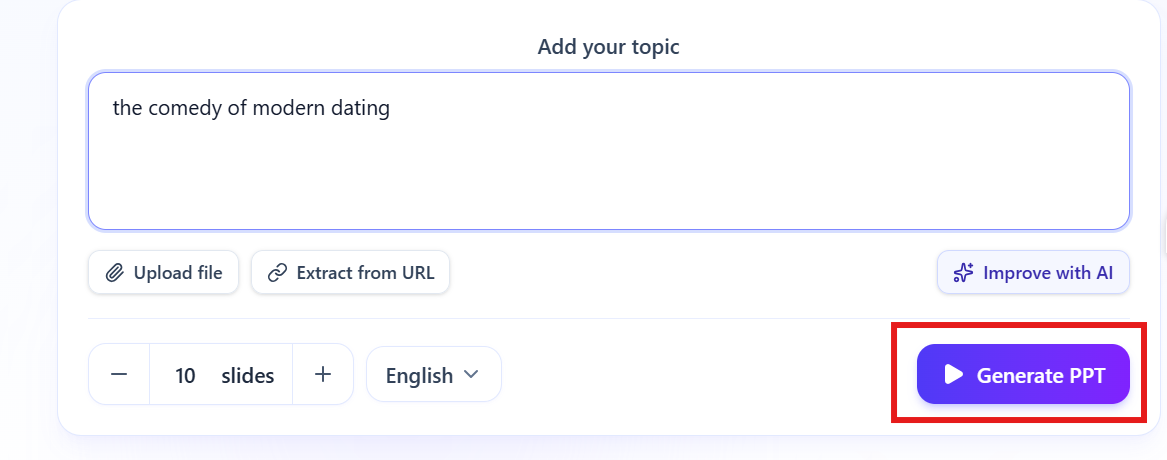
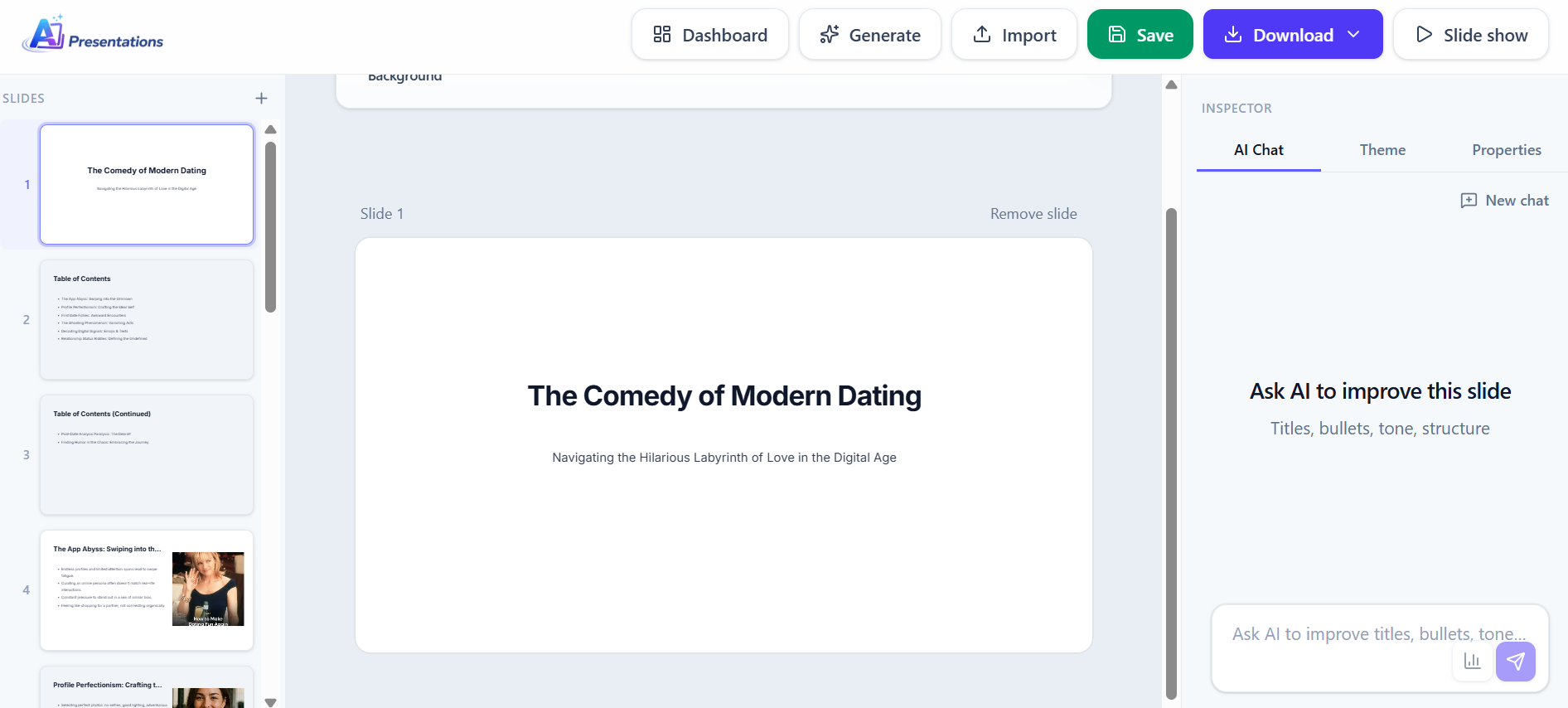
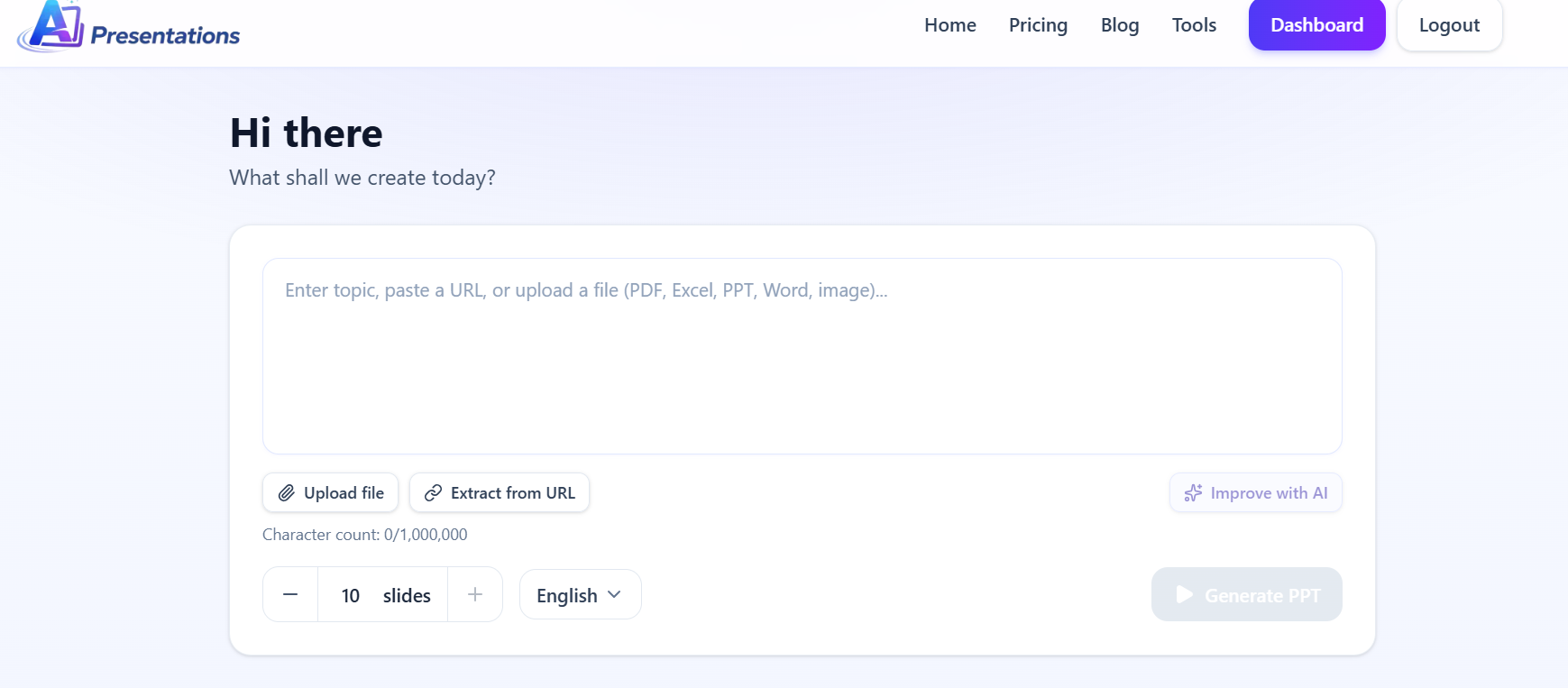
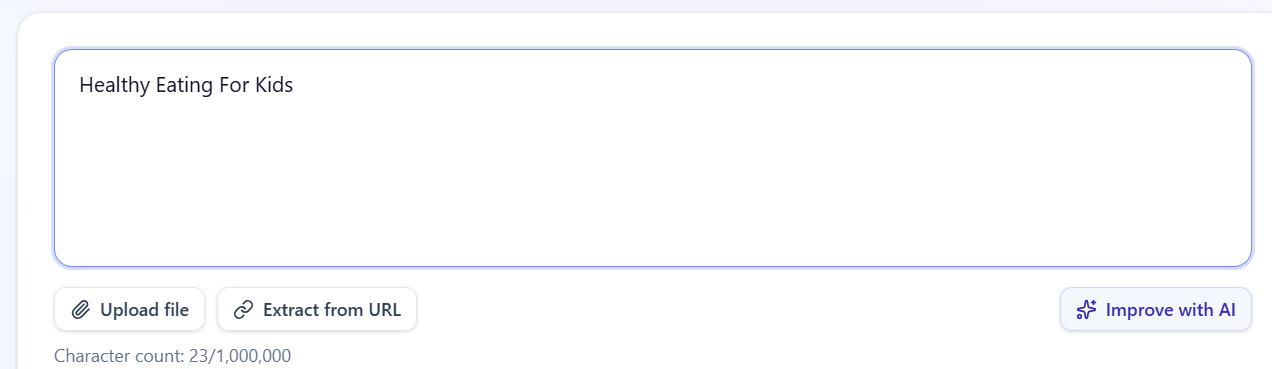
Webinars have become one of the most effective ways to educate customers, train employees, demonstrate products, and share expertise. However, once the live session ends, valuable insights often remain locked inside a lengthy webinar recording or transcript. Manually turning that information into a presentation can take hours of reviewing, summarising, designing, and formatting.
That’s where AI changes the workflow.
Instead of rebuilding your presentation from scratch, modern AI tools can analyse webinar content, identify the most important topics, organise ideas into logical sections, and generate presentation-ready slides in minutes. Whether you’re repurposing a customer webinar, an internal training session, or a product demonstration, AI helps transform your content into polished PowerPoint or Google Slides presentations with minimal effort.
In this guide, you’ll learn what a webinar-to-PPT workflow looks like, why businesses are adopting it, and how AI can dramatically reduce the time required to create professional presentation decks.
What Does Webinar to PPT Mean?
A Webinar to PPT workflow refers to converting the content of a webinar into a structured presentation that can be edited, shared, or presented later.
Rather than replaying an entire webinar whenever someone needs the information, organisations often convert key ideas into presentation slides that are easier to consume and distribute.
These presentations can be used for:
Employee onboarding
Customer education
Sales enablement
Product demonstrations
Partner training
Executive summaries
Knowledge sharing
Workshop materials
Instead of reviewing a one-hour webinar multiple times, you can present the same information in a concise 15-slide deck.
Why Businesses Convert Webinars into Presentations?
A webinar usually contains far more information than an audience can retain in a single session. Converting it into presentation slides makes that knowledge reusable across different teams and use cases.
Improve Knowledge Sharing: Presentation decks are easier to circulate across departments than long webinar recordings. Employees can quickly review key concepts without watching an hour-long session.
Support Sales Teams: Product webinars often contain valuable demonstrations and customer insights. Turning them into presentation slides helps sales representatives communicate the same value consistently.
Simplify Training: Training webinars can become reusable learning materials for future employees, reducing the need to repeat live sessions.
Create Executive Summaries: Leadership teams rarely have time to watch full webinars. A concise slide deck highlighting objectives, key findings, and recommendations communicates information much faster.
Repurpose Existing Content: One webinar can become multiple assets, including presentation decks, documentation, blog posts, and training materials, helping organisations maximise the value of their content.
Types of Webinars You Can Convert into PowerPoint
Not every webinar has the same objective, but almost any webinar can be transformed into a professional presentation with AI. Whether you’re educating customers or training employees, converting webinar content into slides makes it easier to share information, improve engagement, and reuse valuable content.
You can convert various types of webinars into PowerPoint presentations, including:
Product demonstration webinars
Customer onboarding webinars
Employee training sessions
Sales enablement webinars
Marketing webinars
Educational webinars
Partner enablement webinars
Industry thought leadership webinars
Product launch webinars
Internal company webinars
Each webinar type benefits from a slightly different presentation structure, but the goal remains the same present key insights in a clear, visual, and easy-to-understand format.
How AI Converts a Webinar into a Presentation?
Artificial Intelligence combines Natural Language Processing (NLP) and Large Language Models (LLMs) to analyse webinar content, identify the most important discussion points, summarise key ideas, and organise them into a logical presentation structure.
Instead of copying every sentence from a webinar, AI focuses on the information that belongs on presentation slides, helping you create concise, visually engaging presentations in a fraction of the time it would take manually.
A typical AI-powered workflow includes the following steps.
Step 1: Upload Your Webinar Content
Upload your webinar content to an AI presentation tool. The AI analyses the webinar, understands the discussion, and prepares the key information for presentation generation.
The AI analyses the content while preserving the overall structure and context.
Step 2: Identify Key Topics
Large Language Models (LLMs) and Natural Language Processing (NLP) identify:
Main discussion topics
Important insights
Action items
Key takeaways
Supporting examples
Instead of copying every sentence, AI focuses on the information that belongs on presentation slides.
Step 3: Organise Information into Sections
Good presentations follow a logical flow.
AI automatically groups related information into sections such as:
Introduction
Agenda
Challenges
Solutions
Results
Recommendations
Next Steps
This makes the final presentation easier to understand.
Step 4: Generate Presentation Slides
Each section becomes one or more slides with:
Clear headings
Concise bullet points
Logical content hierarchy
Professional layouts
Consistent formatting
Rather than overwhelming the audience with text, AI produces presentation-friendly content.
Step 5: Refine and Export
After reviewing the generated slides, you can make edits, adjust the design, and export the presentation to PowerPoint or Google Slides for collaboration and delivery.
Example: Converting a Webinar into a Presentation
Imagine you’ve just finished hosting a 45-minute product webinar introducing a new software feature. Instead of replaying the webinar and manually creating slides, AI analyses the discussion, identifies the agenda, product highlights, customer benefits, and next steps, then organises everything into a professional presentation. After a quick review, you can customise the design and export it as a PowerPoint or Google Slides presentation in just a few minutes.
While creating slides manually gives you complete control, it also requires significant time and effort. AI automates much of the repetitive work, allowing you to focus on refining your message rather than building every slide from scratch. Here’s how the two approaches compare:
Feature
AI Webinar-to-PPT
Manual Presentation Creation
Time Required
Minutes
Several hours
Summarises Key Insights
✅ Automatically
❌ Manual note-taking
Creates Slide Structure
✅ Yes
❌ Build from scratch
Generates Professional Layouts
✅ Automatically
❌ Manual design
Maintains Consistent Formatting
✅ Yes
Depends on the creator
Editable After Generation
✅ Fully editable
✅ Yes
Export to PowerPoint & Google Slides
✅ One-click export
Manual formatting required
Best For
Fast, scalable presentation creation
One-off presentations
Ready to turn your webinar into a professional presentation?
With AI Presentations, you can generate editable PowerPoint or Google Slides presentations from your webinar content in minutes. Instead of spending hours organising information and designing slides, let AI create a structured presentation that you can customise and share immediately.
Common Mistakes to Avoid
Copying the Webinar Word for Word: Presentation slides should summarise ideas rather than reproduce an entire webinar transcript.
Adding Too Much Text: Crowded slides reduce audience attention. Keep information concise and presentation-friendly.
Ignoring Structure: Randomly arranged slides make presentations difficult to follow. Maintain a logical progression throughout the deck.
Inconsistent Formatting: Different fonts, colours, and layouts can make presentations appear unprofessional. Use a consistent design throughout.
Skipping the Final Review: AI accelerates slide creation, but reviewing the presentation ensures accuracy and clarity before sharing it.
Why Choose AI Presentations to Convert a Webinar into PPT?
Creating a PowerPoint from a webinar manually takes time. AI Presentations makes it easy by turning your webinar content into a well-structured, editable presentation in minutes.
Whether you’re creating training materials, sales presentations, or customer education decks, AI Presentations helps you save time while delivering polished, professional presentations.
Turn your next webinar into an engaging PowerPoint in minutes with AI Presentations App.
Frequently Asked Questions
Q1. Can AI convert webinar content into PowerPoint?
Yes. AI can analyse webinar content, identify important topics, organise information into slides, and generate presentation-ready PowerPoint decks that can be edited further.
Q2. Can I create Google Slides from webinar content?
Yes. Many AI presentation tools allow you to generate presentations that can be exported to Google Slides for collaboration and sharing.
Q3. Is AI-generated presentation content editable?
Absolutely. You can modify slide text, layouts, images, colours, and themes after generation.
Q4. How long does it take to convert webinar content into slides?
Depending on the length and complexity of the webinar, AI can usually generate a presentation within minutes, significantly faster than manual creation.
Q5. Can AI summarise webinar content before creating slides?
Yes. Modern AI uses Natural Language Processing (NLP) to identify key themes, remove repetitive information, and organise ideas into a structured presentation.
Q6. What’s the difference between a webinar recording and a webinar presentation?
A webinar recording captures the complete session, while a webinar presentation highlights the essential points in a concise, visual format that is easier to present, review, and share.
Q7. Can I customise AI-generated webinar presentations?
Yes. You can edit slide content, rearrange sections, update themes, apply your own branding, and export the presentation as PowerPoint or Google Slides before sharing it with your audience.
Final Thoughts
Webinars contain valuable knowledge, but long sessions are rarely the most efficient way to share information. Converting webinar content into a well-structured presentation helps teams communicate ideas faster, improve knowledge retention, and reuse existing content across multiple business functions.
By combining AI with modern presentation workflows, you can transform webinar insights into polished PowerPoint or Google Slides presentations in a fraction of the time it would take manually. Whether you’re supporting employee training, customer education, sales enablement, or executive reporting, AI-powered presentation generation allows you to focus less on formatting and more on delivering impactful ideas.
Instead of letting valuable webinar insights remain inside a recording, repurpose them into engaging PowerPoint or Google Slides presentations that are easier to share, present, and reuse across your organisation. With AI Presentations, you can create professional webinar presentations in minutes while saving hours of manual work.
Creating a professional PowerPoint presentation used to take hours. You had to research your topic, organize ideas, design slides, choose colors, add visuals, and make sure everything looked polished. Today, AI has changed that workflow completely.
Over the past few years, AI-powered presentation tools have evolved from simple design assistants into intelligent productivity platforms. Many of them can now generate presentation outlines, write slide content, suggest layouts, create visuals, improve formatting, and even help you present ideas more effectively. Whether you’re preparing a business proposal, classroom presentation, sales pitch, project report, or investor deck, these tools can significantly reduce the time and effort required.
However, not every AI tool delivers the same experience.
Some focus on speed, helping you create a complete presentation within minutes. Others prioritize design quality, collaboration, branding, or advanced customization. After testing multiple platforms, I noticed that each tool has its own strengths and limitations depending on your specific needs.
Instead of recommending a single solution for everyone, I evaluated each tool using practical criteria, including:
Ease of use
Output quality
Design flexibility
Template library
AI-generated content quality
Collaboration features
Export options
Pricing
Overall value
In this guide, you’ll find a detailed comparison of the top AI tools for PPT presentation available in 2026. I’ll walk you through their features, advantages, drawbacks, pricing, and the scenarios where each tool performs best, helping you choose the one that fits your workflow.
Quick Comparison of Top 10 AI Tools for PPT Presentation
Choosing the right AI tool isn’t just about how quickly it creates slides. A good platform should also produce accurate content, offer flexible customization, support collaboration, and export presentations without breaking layouts.
To make this comparison as useful as possible, I tested every tool using the same evaluation criteria.
Ease of Use
The first thing I looked at was how quickly a new user could create a presentation. The best tools have intuitive interfaces, require minimal learning, and guide users through the creation process without unnecessary complexity.
AI Content Quality
Generating slides is one thing; generating useful content is another. I evaluated how well each tool created presentation outlines, headlines, bullet points, summaries, and supporting information.
Design Quality
Presentation quality depends heavily on design. I compared template variety, layout suggestions, typography, color consistency, image integration, and overall visual appeal.
Editing Flexibility
No AI-generated presentation is perfect. That’s why editing capabilities matter. I checked how easily users could modify text, rearrange slides, customize themes, and personalize designs.
Export Options
Many users eventually need to present in Microsoft PowerPoint or share files as PDFs. I assessed how well each tool exported presentations while preserving formatting and compatibility.
Pricing & Value
Finally, I compared pricing plans, free features, and whether the premium offerings justified their cost.
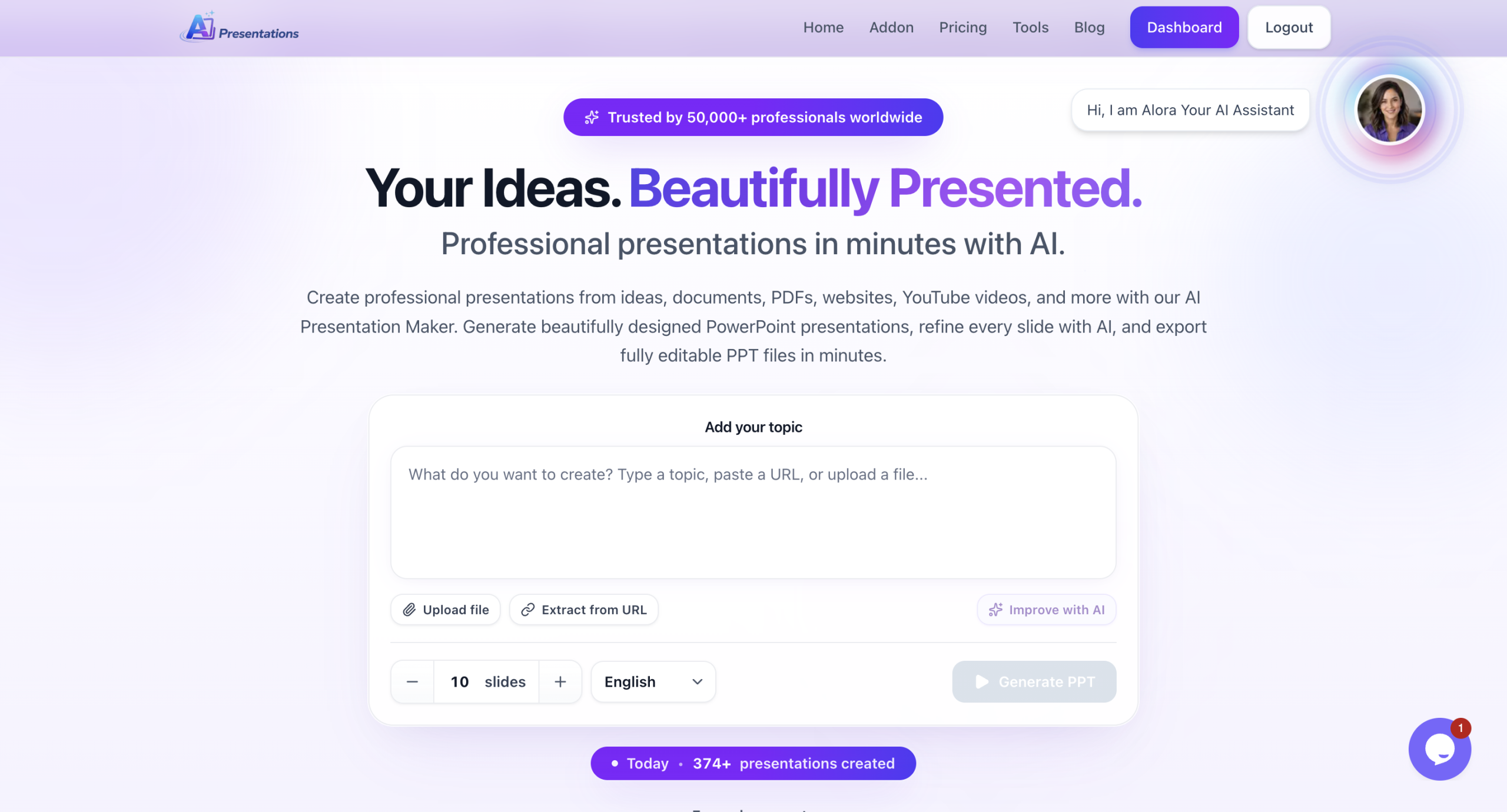
Best for: Creating professional PowerPoint presentations quickly with AI
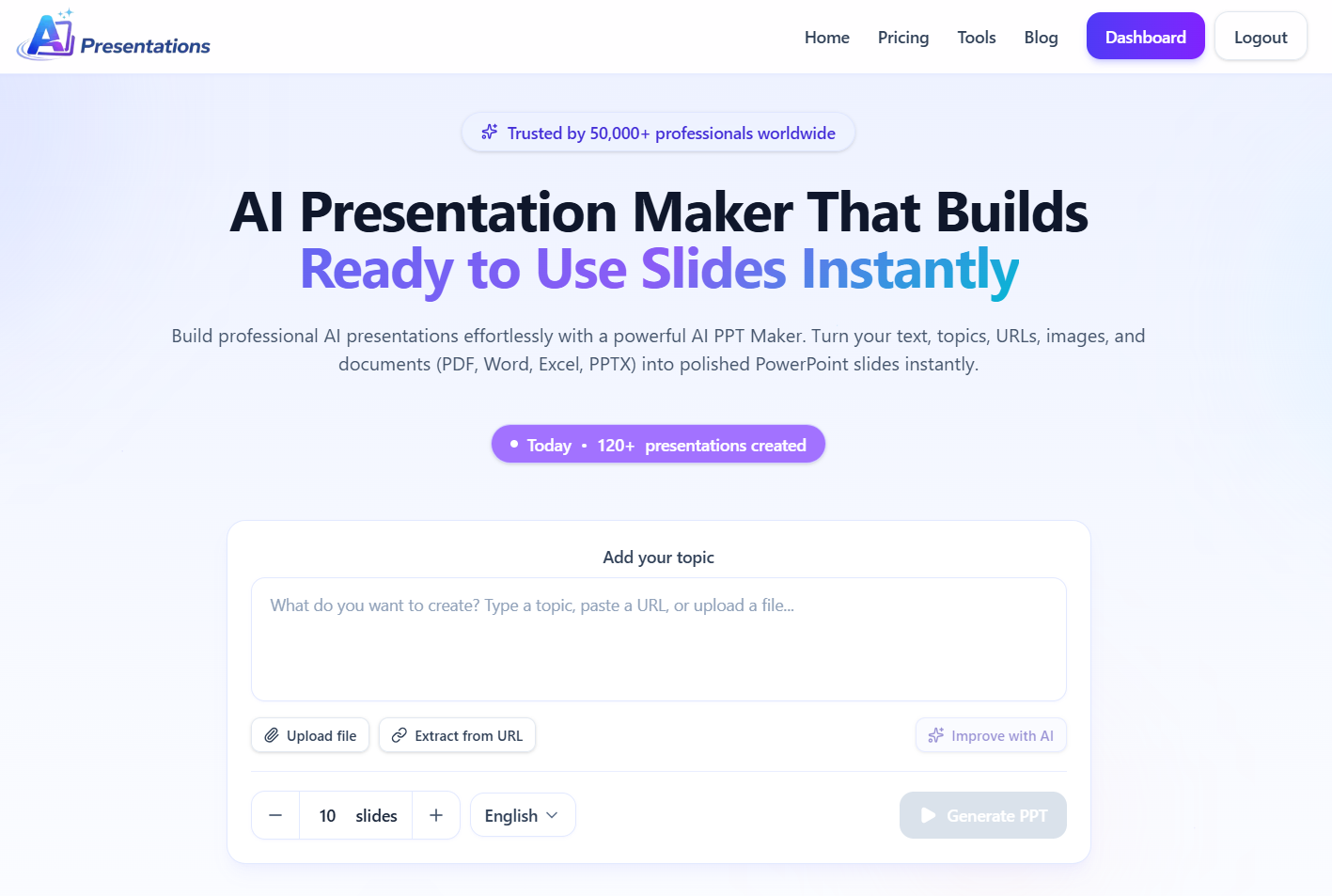
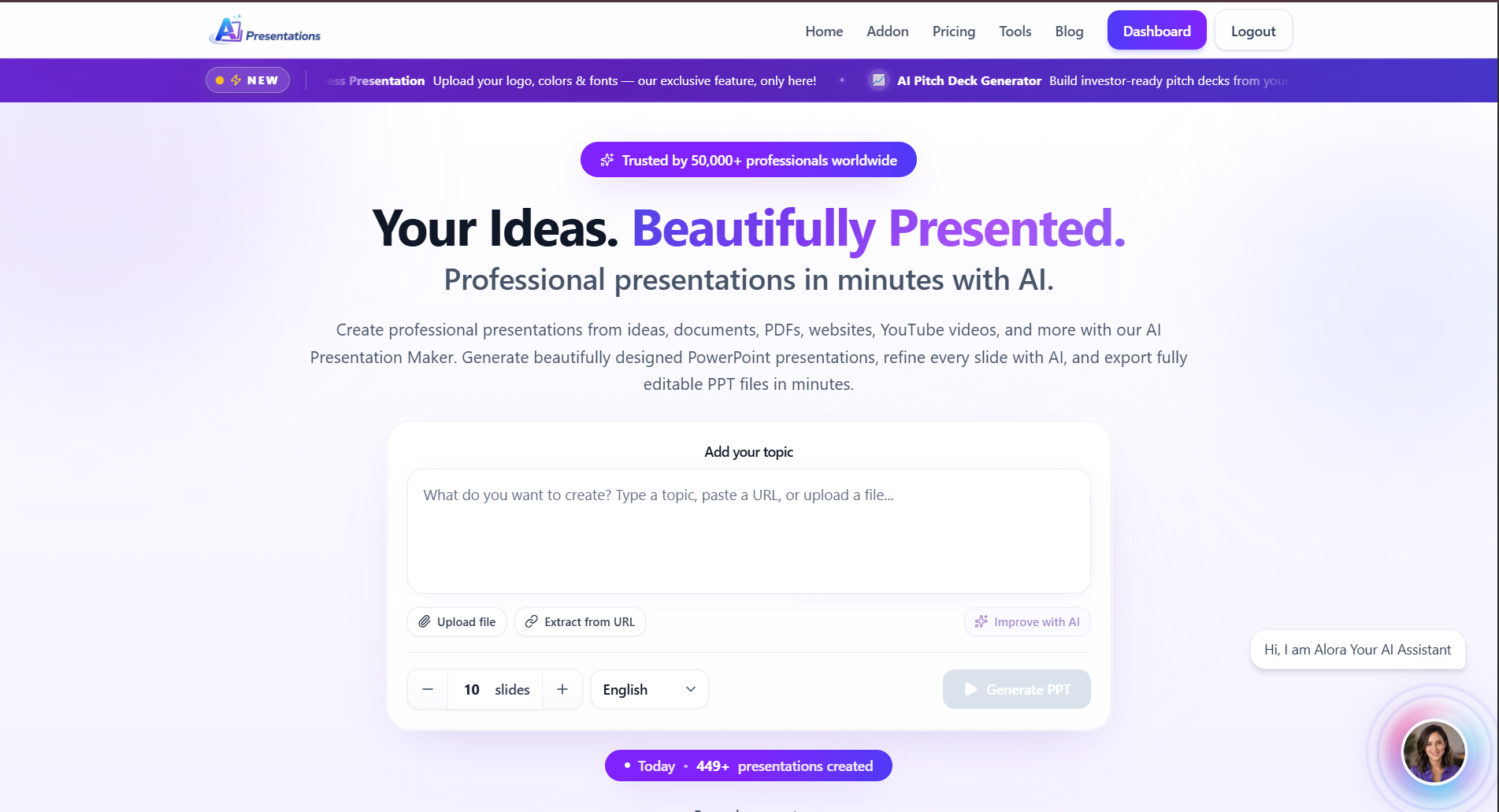
If your goal is to create presentation slides without spending hours researching content or designing layouts, AIPresentations.app is one of the strongest options available today.
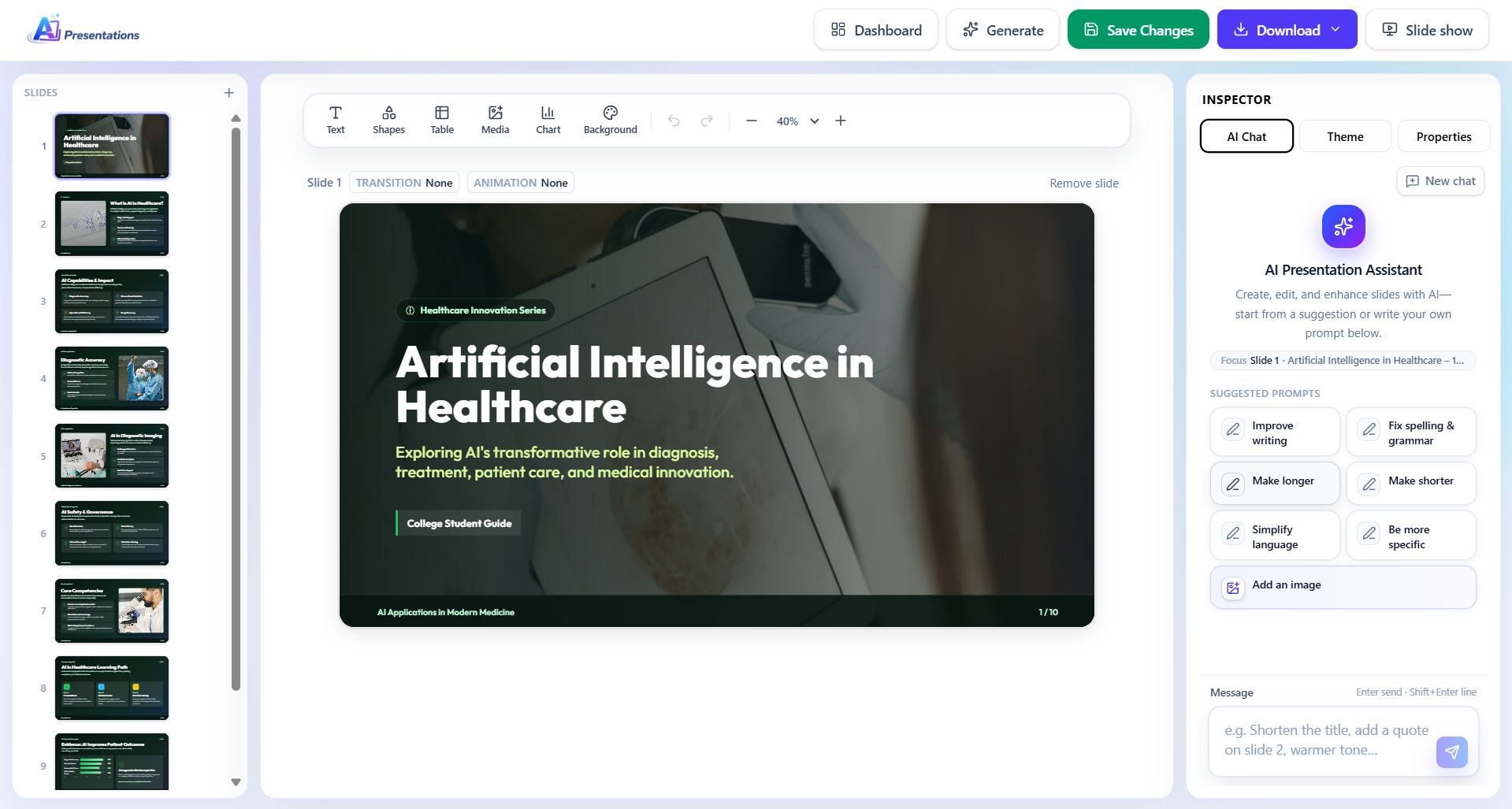
After testing it across business presentations, marketing proposals, educational content, and project reports, I found that its biggest advantage is how quickly it transforms a simple prompt into a well-structured PowerPoint presentation. Instead of giving users a blank canvas, it generates an organized outline, professionally designed slides, relevant visuals, and editable content within minutes.
Unlike many tools that focus primarily on design, AIPresentations.app balances content generation and presentation quality, making it useful for professionals, students, educators, startups, consultants, and corporate teams.
Another feature I appreciated is the flexibility after generation. AI-generated presentations are rarely perfect on the first attempt, so being able to edit text, replace visuals, reorganize slides, and refine layouts without starting over saves a significant amount of time.
Whether you’re preparing for a client meeting, classroom lecture, sales presentation, business proposal, or internal company update, the workflow feels efficient from start to finish.
Key Features
Generate complete presentations from a simple prompt
Professional slide layouts
AI-generated presentation outlines
Smart content suggestions
Large template library
PowerPoint export
Google Slides compatibility
Brand customization
Charts, icons, and images
Fast generation speed
Pros
✅ Very fast presentation generation
✅ Excellent balance between AI-generated content and design
✅ Beginner-friendly interface
✅ Good variety of templates
✅ Clean PowerPoint exports
✅ Works well for business and education
Cons
❌ Some presentations still require manual editing for niche or highly technical topics
❌ Advanced branding features require premium plans
Pricing
Free plan available
Premium plans with additional features and higher generation limits
My Experience
After testing multiple presentation topics, I consistently found AIPresentations.app among the fastest tools in this comparison. It produced structured presentations that required fewer edits than many competitors, especially for business and educational use cases.
Rather than spending time arranging slides manually, I could focus on improving the content and tailoring the presentation to my audience.
Overall Rating
⭐⭐⭐⭐⭐ 4.9/5
2. Gamma AI
Best for: Interactive presentations and modern storytelling
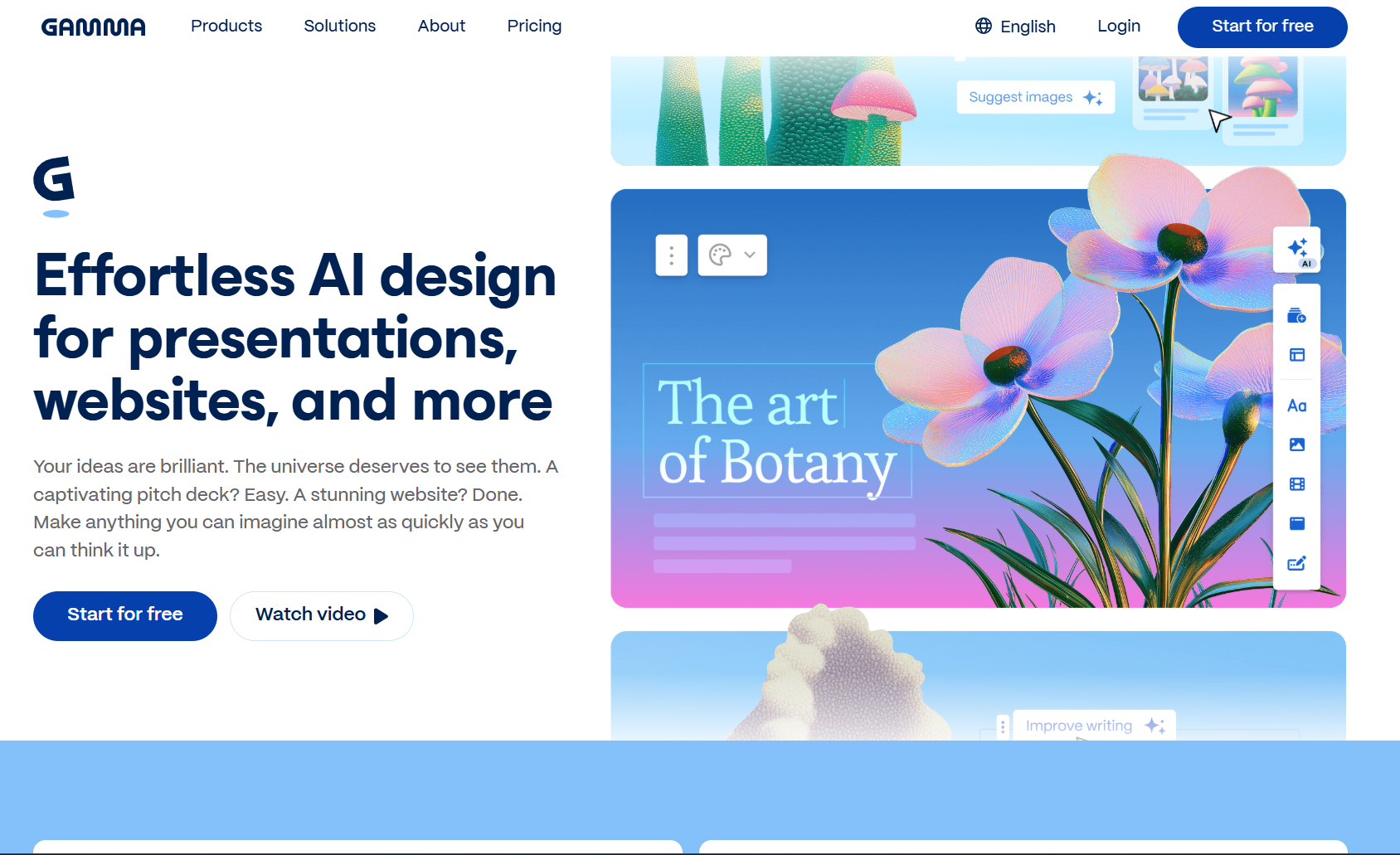
Gamma takes a different approach from traditional PowerPoint tools. Instead of focusing on slide-by-slide editing, it creates interactive presentations that resemble modern web pages.
If you’re building presentations for startups, product demos, workshops, or internal documentation, Gamma offers a refreshing workflow. It emphasizes visual storytelling, responsive layouts, and collaborative editing.
During testing, I liked how quickly Gamma organized information into visually appealing sections. Its AI also generated decent content from prompts and suggested layouts that looked modern without requiring much manual adjustment.
However, Gamma feels less suited for users who specifically need traditional PowerPoint files with extensive formatting control. While export options exist, some formatting adjustments may still be necessary depending on the presentation.
Key Features
AI-generated presentation structure
Interactive layouts
Built-in collaboration
AI writing assistance
Image generation support
Responsive presentation design
Team workspaces
Pros
✅ Excellent visual storytelling
✅ Modern interface
✅ Strong collaboration features
✅ Good AI writing capabilities
✅ Easy content organization
Cons
❌ Limited customization compared to PowerPoint
❌ Export formatting may require adjustments
❌ Learning curve for users accustomed to traditional slide editors
Pricing
Free plan available
Paid plans for advanced collaboration and AI usage
My Experience
Gamma impressed me with its design quality and speed. It’s particularly effective when presenting online or sharing interactive presentations with teams.
For users who frequently deliver presentations in Microsoft PowerPoint, however, other tools may provide a smoother workflow.
Best for: Beautiful presentation design and visual creativity
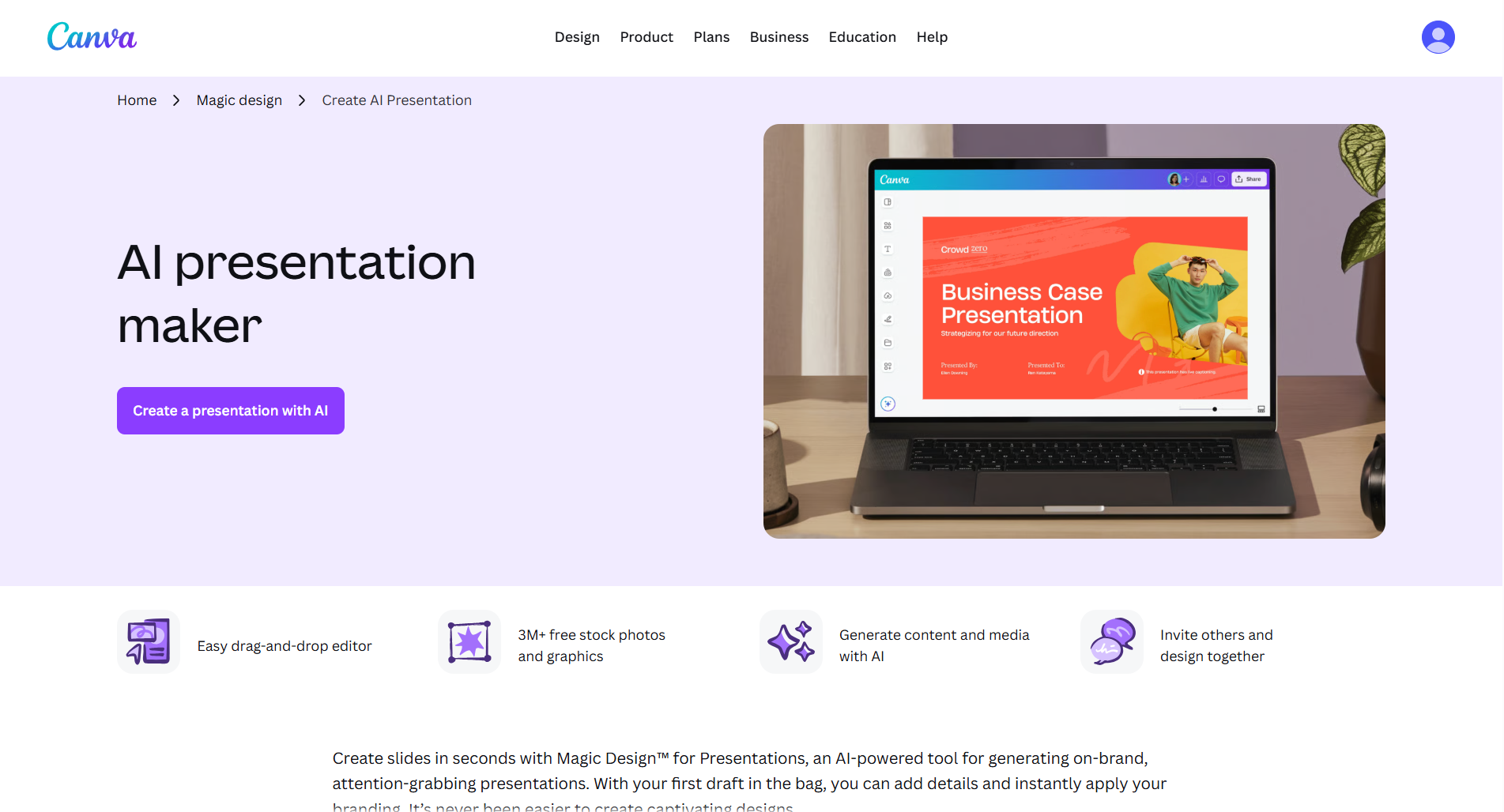
Canva has evolved far beyond a graphic design platform. Today, it offers AI-powered features that simplify presentation creation while maintaining one of the largest template libraries available.
Its biggest advantage is flexibility. Rather than relying entirely on AI, Canva combines intelligent design assistance with manual editing, giving users greater creative control.
During testing, I found Canva particularly useful for marketing presentations, educational slides, portfolios, event presentations, and social-media-inspired designs. The sheer number of templates makes it easy to start with a polished foundation.
The AI tools can generate content, suggest layouts, remove image backgrounds, create graphics, and improve designs. While its AI-generated presentation content wasn’t always as structured as dedicated presentation-focused tools, the design capabilities more than make up for it.
Key Features
Thousands of presentation templates
AI writing assistance
Magic Design
Image editing
Background removal
Stock photos and graphics
Animation effects
PowerPoint export
Team collaboration
Pros
✅ Outstanding template library
✅ Excellent visual design tools
✅ Beginner-friendly interface
✅ Strong collaboration
✅ Rich media library
Cons
❌ AI-generated content is less detailed than specialized presentation tools
❌ Large presentations may require more manual editing
❌ Some premium assets require a paid subscription
Pricing
Free plan available
Canva Pro for premium templates, AI features, and brand tools
My Experience
If presentation design matters more than rapid AI-generated content, Canva remains one of the strongest choices. I particularly liked how easy it was to customize colors, fonts, icons, and images without sacrificing visual consistency.
For users who enjoy having creative control over every slide, Canva continues to be one of the most versatile platforms available.
Overall Rating
⭐⭐⭐⭐☆ 4.7/5
Quick Comparison After Testing
Tool
Best For
AI Content
Templates
Editing
Export
Rating
AIPresentations.app
Fast PowerPoint creation
⭐⭐⭐⭐⭐
⭐⭐⭐⭐⭐
⭐⭐⭐⭐⭐
⭐⭐⭐⭐⭐
4.9/5
Gamma
Interactive presentations
⭐⭐⭐⭐☆
⭐⭐⭐⭐☆
⭐⭐⭐⭐☆
⭐⭐⭐⭐☆
4.6/5
Canva
Creative design
⭐⭐⭐⭐☆
⭐⭐⭐⭐⭐
⭐⭐⭐⭐⭐
⭐⭐⭐⭐⭐
4.7/5
4. Beautiful.ai
Best for: Business presentations and corporate teams
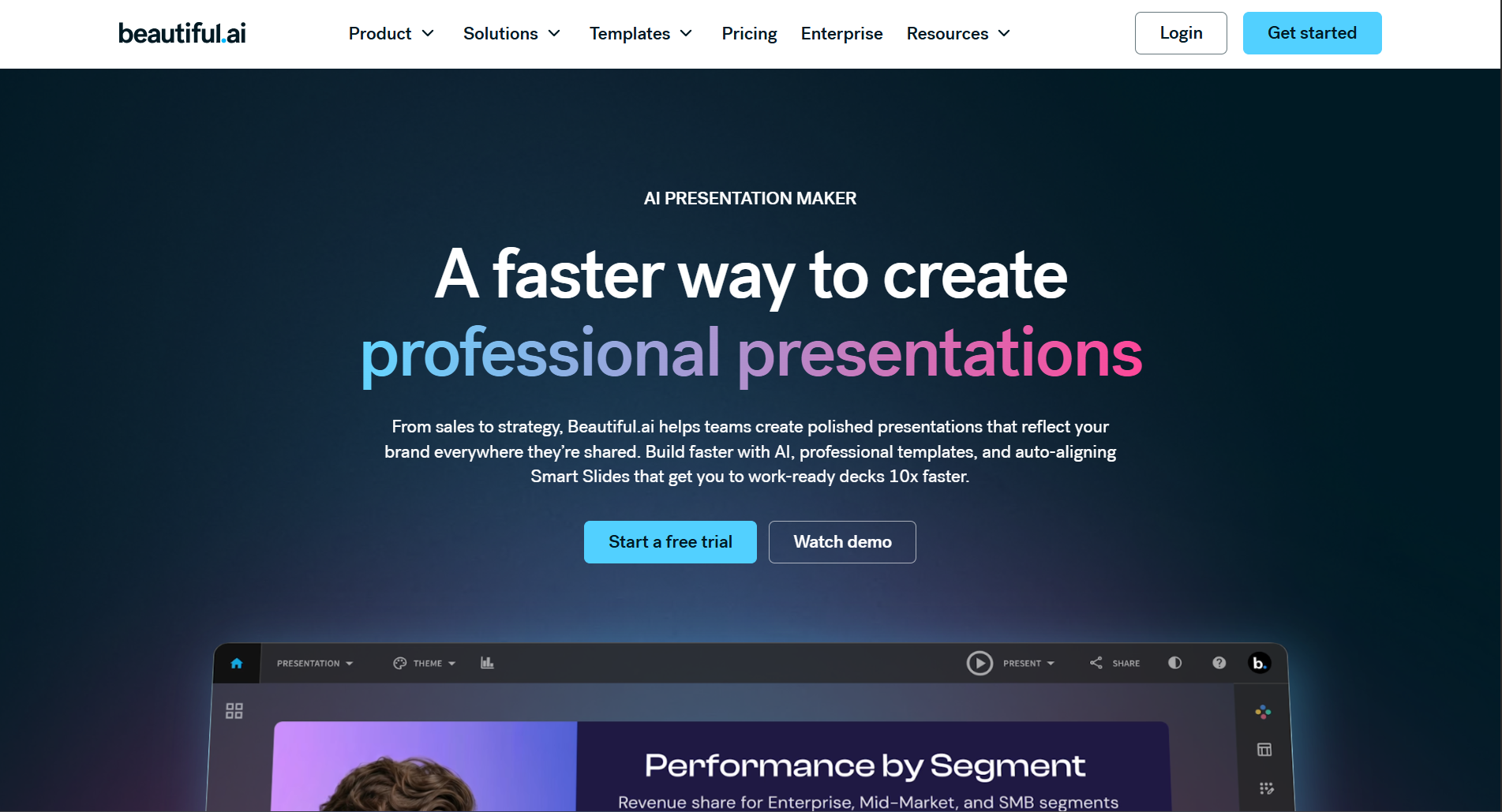
If you frequently create business presentations, board meeting decks, investor updates, or executive reports, Beautiful.ai is one of the most polished tools available.
Unlike many presentation platforms that simply generate slides, Beautiful.ai focuses on presentation design automation. As you add content, it intelligently adjusts layouts, spacing, image placement, and typography to keep every slide looking professional.
During testing, I found this particularly useful because it eliminates one of the biggest frustrations in presentation design constantly moving elements around to make slides look balanced.
Instead of manually resizing charts or aligning text boxes, the platform handles much of the design work automatically.
Key Features
Smart slide layouts
Business-focused templates
AI-assisted content generation
Brand consistency tools
Team collaboration
PowerPoint export
Analytics for shared presentations
Pros
✅ Excellent business-focused templates
✅ Automatic layout optimization
✅ Professional-looking presentations
✅ Strong collaboration features
✅ Consistent slide design
Cons
❌ Less creative flexibility compared to Canva
❌ Smaller template library
❌ Premium features require a subscription
Pricing
Limited free access
Paid plans for advanced features
My Experience
Beautiful.ai consistently produced clean and polished business presentations with minimal effort. If your work involves executive meetings, client proposals, or corporate reports, it’s an excellent option.
Overall Rating
⭐⭐⭐⭐☆ 4.7/5
5. Tome
Best for: Storytelling and idea presentations
Tome approaches presentations differently than traditional slide-based tools.
Instead of focusing on individual slides, it emphasizes storytelling. The AI helps organize information into logical sections that flow naturally from one idea to the next.
When I tested Tome for startup pitches and product concepts, it generated well-structured narratives rather than isolated slides.
It also integrates AI-generated visuals and writing assistance, making it useful when you’re starting with only a rough idea.
However, users who require highly customized PowerPoint presentations may find Tome somewhat limiting because its workflow is optimized for interactive storytelling.
Key Features
AI-generated narratives
Smart page layouts
AI writing assistant
AI image generation
Collaboration tools
Presentation sharing
Interactive content
Pros
✅ Excellent storytelling capabilities
✅ Clean modern interface
✅ Fast content generation
✅ Strong AI writing
✅ Great for idea pitches
Cons
❌ Less suitable for traditional corporate presentations
❌ Limited PowerPoint editing flexibility
❌ Smaller template collection
Pricing
Free plan available
Premium plans for additional AI usage
My Experience
Tome stood out whenever I wanted to communicate an idea rather than simply display information. It’s ideal for founders, consultants, educators, and creators who rely on storytelling.
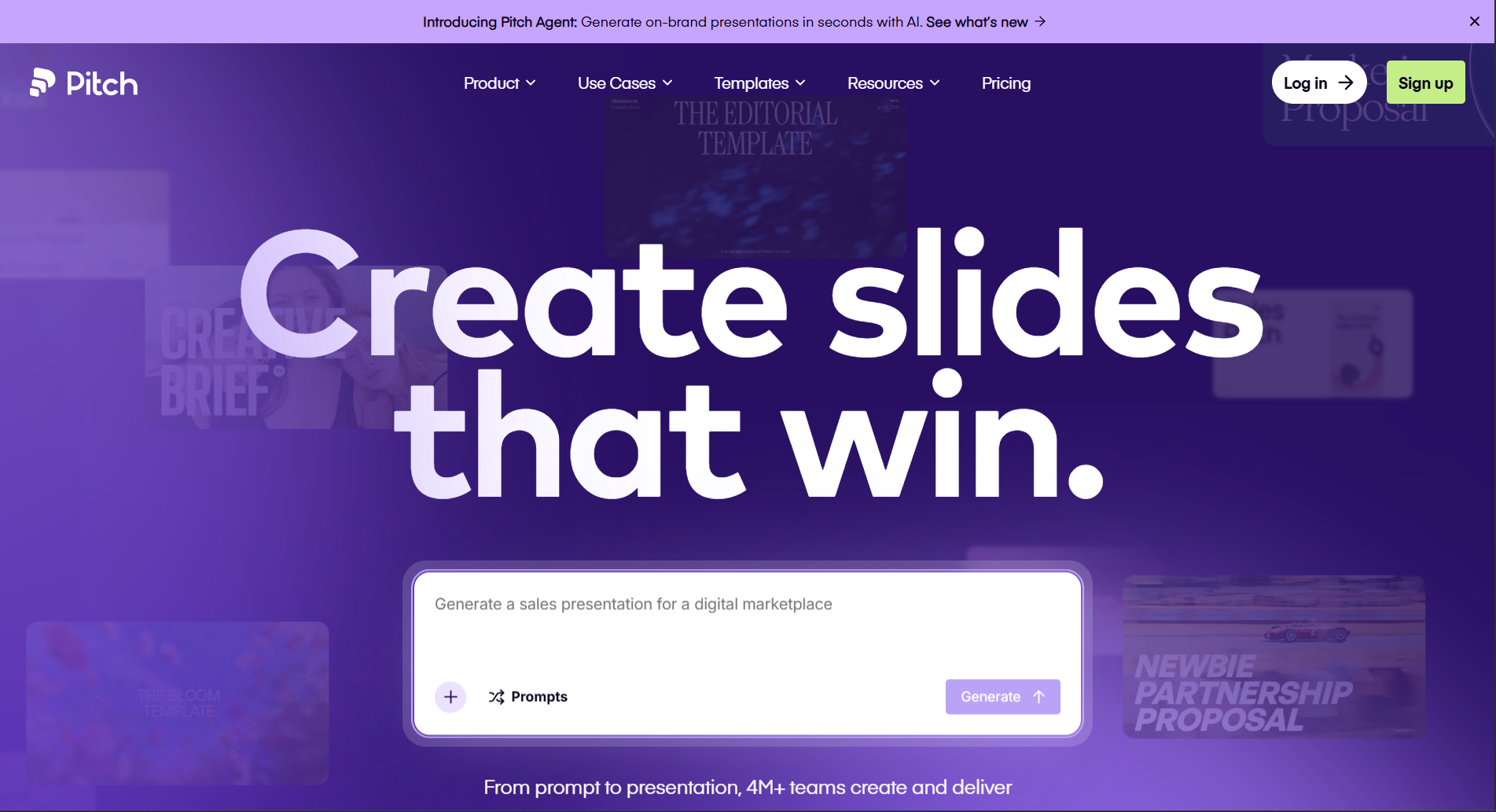
Pitch is designed for organizations where multiple people contribute to the same presentation.
Rather than focusing solely on AI, it combines collaboration, version history, comments, analytics, and presentation management into one platform.
During testing, I found Pitch especially useful for marketing teams, agencies, startups, and sales departments that frequently update presentations together.
Its collaboration experience feels closer to working in a shared document than editing traditional presentation files.
Key Features
Team collaboration
AI writing assistance
Shared workspaces
Comments and approvals
Presentation analytics
Brand management
PowerPoint export
Pros
✅ Excellent collaboration
✅ Clean interface
✅ Strong team workflow
✅ Easy sharing
✅ Business-ready templates
Cons
❌ AI generation isn’t as advanced as some competitors
❌ Better suited for teams than individuals
❌ Some enterprise features are paid
Pricing
Free plan available
Premium business plans
My Experience
Pitch is one of the strongest collaboration-focused presentation tools I tested. If your organization frequently works on presentations together, it offers a smoother workflow than many traditional presentation applications.
Overall Rating
⭐⭐⭐⭐☆ 4.6/5
7. Plus AI
Best for: Google Slides users
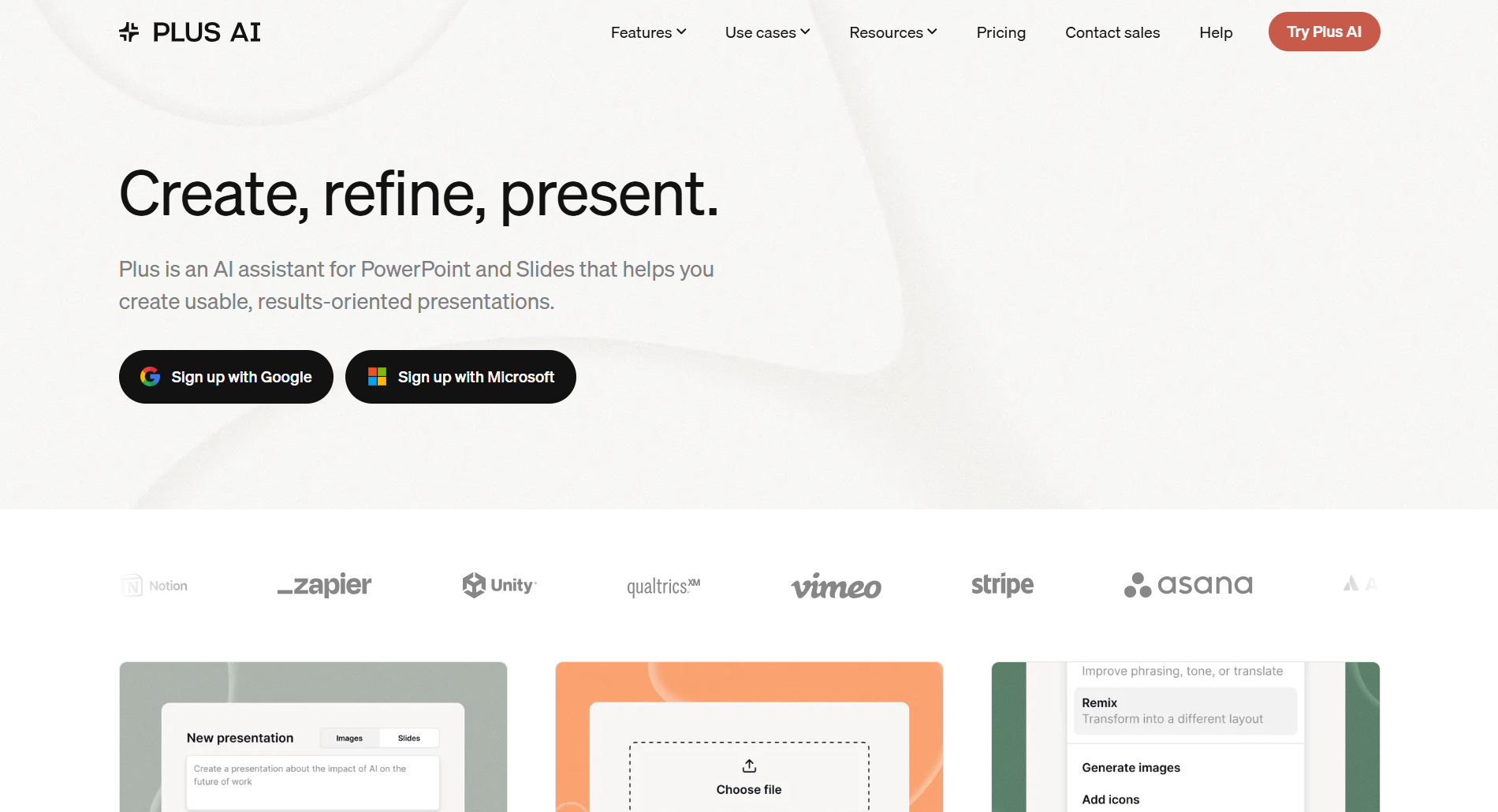
Plus AI is unique because it works directly inside Google Slides.
Instead of switching between different presentation platforms, users can generate outlines, rewrite slides, improve content, and create new presentations without leaving Google’s ecosystem.
For teams already invested in Google Workspace, this creates a much more seamless workflow.
During testing, I appreciated how quickly it generated presentation structures while preserving the familiar Google Slides editing experience.
Key Features
Google Slides integration
AI-generated outlines
Rewrite existing slides
Prompt-based generation
AI editing assistant
Team collaboration
PowerPoint compatibility
Pros
✅ Native Google Slides workflow
✅ Easy learning curve
✅ Helpful AI editing
✅ Fast presentation creation
✅ Good collaboration
Cons
❌ Requires Google Slides
❌ Smaller template ecosystem
❌ Limited standalone functionality
Pricing
Free trial
Paid subscription
My Experience
If you already spend most of your time working in Google Slides, Plus AI is one of the easiest tools to adopt because it integrates directly into your existing workflow instead of requiring you to learn an entirely new platform.
Overall Rating
⭐⭐⭐⭐☆ 4.6/5
Mid-Article Comparison
Tool
Ease of Use
AI Quality
Design
Collaboration
Best For
AIPresentations.app
⭐⭐⭐⭐⭐
⭐⭐⭐⭐⭐
⭐⭐⭐⭐⭐
⭐⭐⭐⭐☆
Fast presentation creation
Gamma
⭐⭐⭐⭐☆
⭐⭐⭐⭐☆
⭐⭐⭐⭐⭐
⭐⭐⭐⭐☆
Interactive presentations
Canva
⭐⭐⭐⭐⭐
⭐⭐⭐⭐☆
⭐⭐⭐⭐⭐
⭐⭐⭐⭐⭐
Creative presentations
Beautiful.ai
⭐⭐⭐⭐☆
⭐⭐⭐⭐☆
⭐⭐⭐⭐⭐
⭐⭐⭐⭐☆
Business presentations
Tome
⭐⭐⭐⭐☆
⭐⭐⭐⭐☆
⭐⭐⭐⭐☆
⭐⭐⭐⭐☆
Storytelling
Pitch
⭐⭐⭐⭐☆
⭐⭐⭐⭐☆
⭐⭐⭐⭐☆
⭐⭐⭐⭐⭐
Team collaboration
Plus AI
⭐⭐⭐⭐⭐
⭐⭐⭐⭐☆
⭐⭐⭐⭐☆
⭐⭐⭐⭐☆
Google Slides users
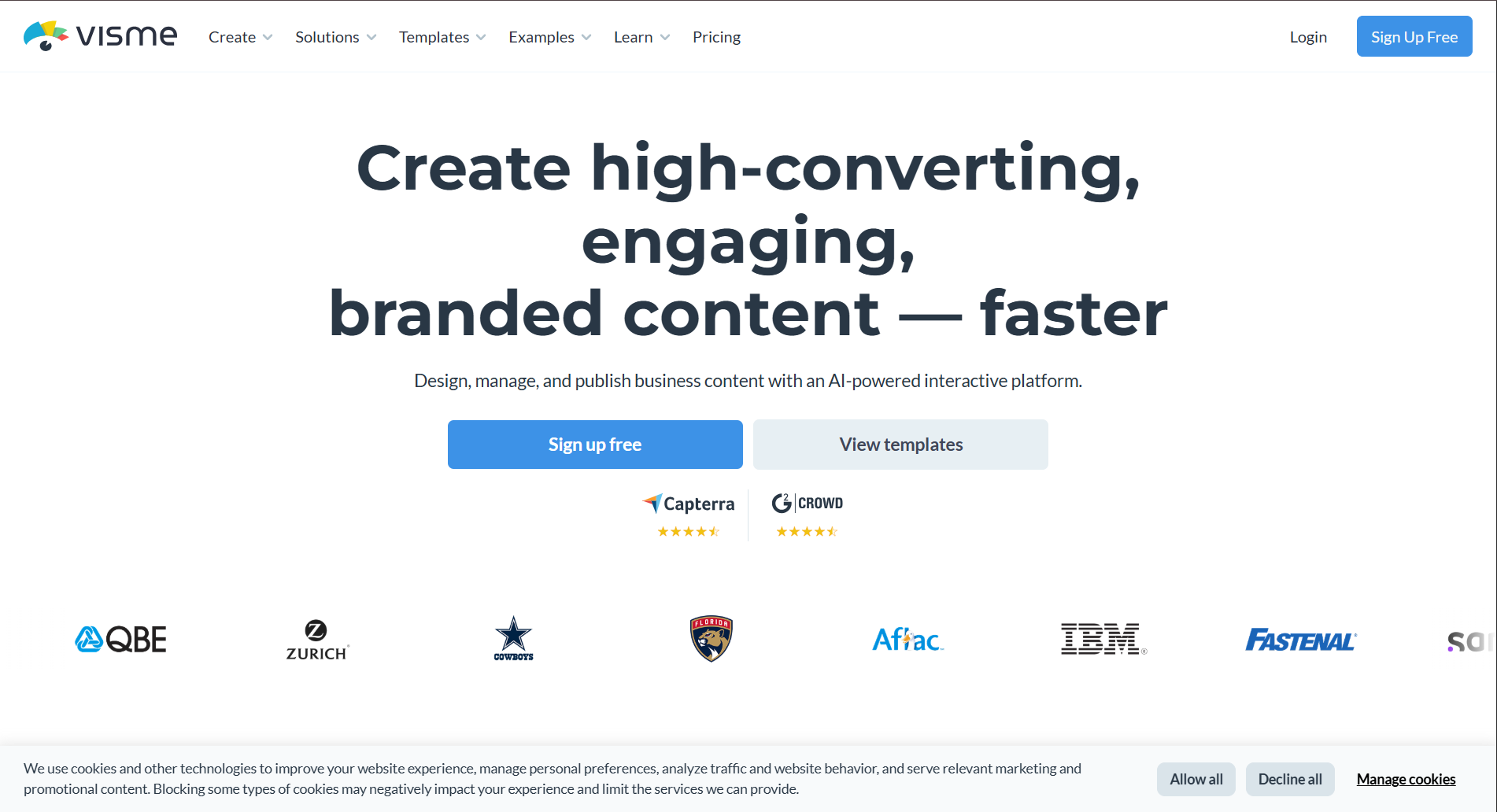
8. Visme
Best for: Marketing presentations, reports, and data visualization
Visme is more than a presentation platform. It’s a complete visual communication tool designed for businesses, marketers, educators, and organizations that regularly create presentations, reports, infographics, proposals, and dashboards.
During my testing, Visme stood out because of its extensive collection of charts, icons, illustrations, and data visualization tools. If your presentations rely heavily on statistics, KPIs, or business reports, it offers more flexibility than many competitors.
While its AI capabilities continue to improve, I found that Visme’s biggest advantage is its ability to turn information-heavy presentations into visually engaging slides.
Key Features
AI-assisted content generation
Professional templates
Interactive charts
Infographics
Brand management
Collaboration
PowerPoint export
Analytics
Pros
✅ Excellent data visualization
✅ Large library of business assets
✅ Strong branding options
✅ Interactive content
✅ Professional templates
Cons
❌ AI generation isn’t as advanced as dedicated AI-first platforms
❌ Beginners may need time to explore all features
❌ Premium assets require a subscription
Pricing
Limited free plan
Paid plans for advanced features
My Experience
For business reports and marketing presentations, Visme consistently produced attractive visuals with relatively little effort. If data storytelling is a major part of your work, it’s a strong choice.
Overall Rating
⭐⭐⭐⭐☆ 4.5/5
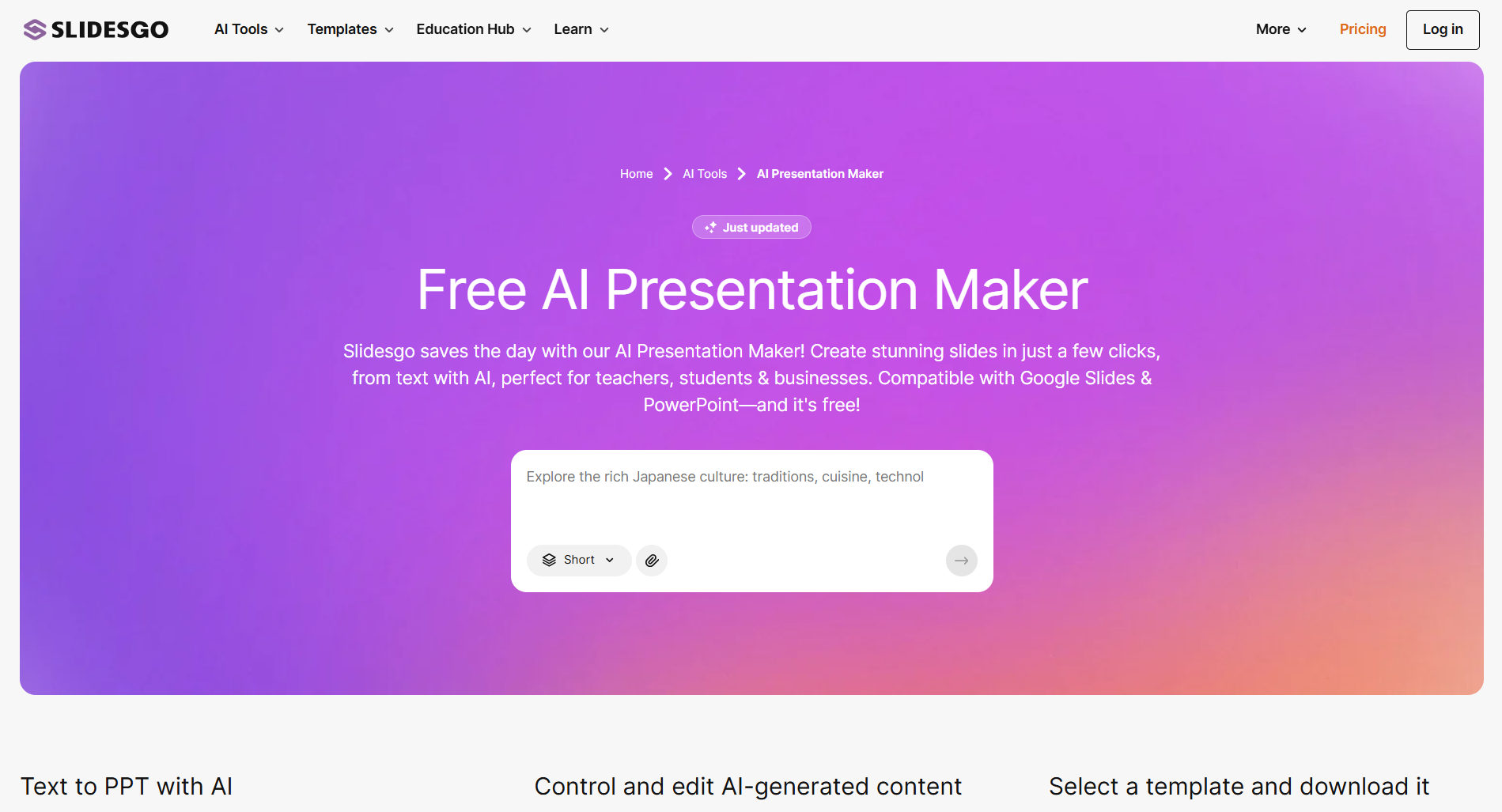
9. Slidesgo AI
Best for: Ready-made templates with AI assistance
Slidesgo has long been known for its extensive collection of presentation templates, and its AI features make creating presentations even faster.
Rather than starting from scratch, users can generate presentation drafts and combine them with Slidesgo’s professionally designed templates. This is particularly helpful for students, teachers, freelancers, and professionals who need visually appealing presentations without investing hours in design.
During testing, I found the platform easy to use and appreciated the variety of layouts available for different industries and presentation styles.
Key Features
AI-generated presentations
Large template library
Google Slides compatibility
PowerPoint compatibility
Educational templates
Business templates
Editable graphics
Pros
✅ Huge template collection
✅ Beginner-friendly
✅ Fast presentation creation
✅ Great for education
✅ Easy customization
Cons
❌ AI writing is more basic than some competitors
❌ Limited advanced collaboration
❌ Premium templates require a subscription
Pricing
Free plan
Premium subscription
My Experience
Slidesgo AI is ideal if you value professionally designed templates and want AI to speed up the initial draft. It’s particularly useful for classrooms, workshops, and general business presentations.
Overall Rating
⭐⭐⭐⭐☆ 4.4/5
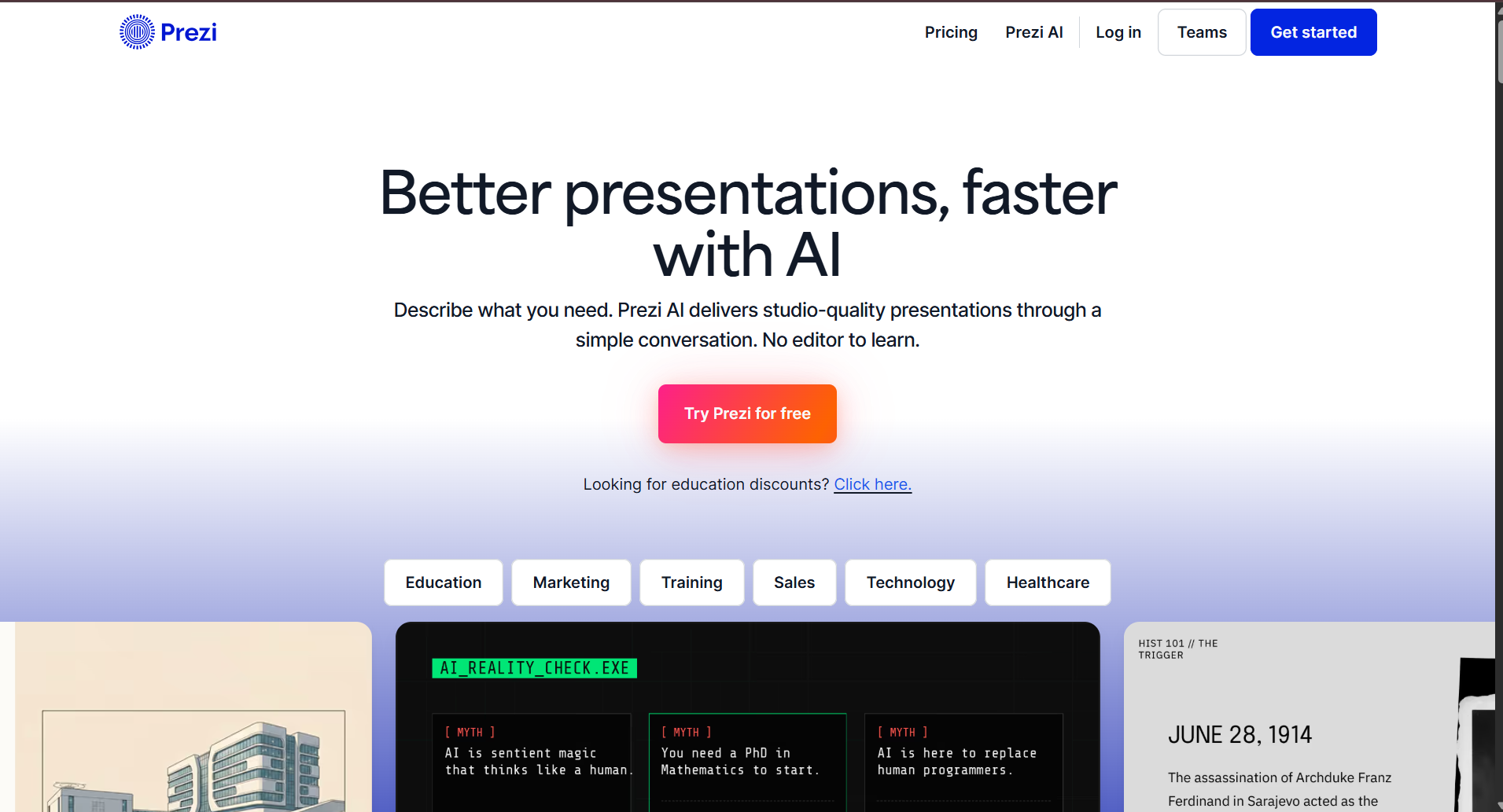
10. Prezi AI
Best for: Dynamic and non-linear presentations
Prezi has always been different from traditional presentation software, and its AI features continue that approach.
Instead of organizing content as a sequence of slides, Prezi allows presenters to zoom in and out of topics, creating a more dynamic storytelling experience.
This style works especially well for keynote presentations, workshops, conferences, and educational sessions where audience engagement is a priority.
During testing, I found that Prezi’s AI helped generate presentation structures quickly, but its unique navigation style requires some practice if you’re accustomed to conventional slide decks.
Key Features
AI-assisted presentation creation
Zoom-based navigation
Dynamic storytelling
Collaboration
Presentation analytics
Cloud sharing
Multimedia support
Pros
✅ Unique presentation style
✅ Highly engaging
✅ Excellent for public speaking
✅ Good storytelling workflow
✅ Strong visual impact
Cons
❌ Learning curve for new users
❌ Not ideal for every business environment
❌ Limited compatibility with traditional slide workflows
Pricing
Free trial
Paid plans
My Experience
Prezi remains one of the most distinctive presentation platforms available. If you regularly speak at conferences or want presentations that stand out visually, it’s worth considering.
Every user has different requirements, so there isn’t a single tool that’s perfect for everyone.
Choose AIPresentations.app if you:
Want to create complete presentations quickly
Need PowerPoint-ready files
Prefer balanced AI content and professional design
Create business, educational, or client presentations regularly
Choose Gamma if you:
Prefer interactive presentations
Deliver online presentations
Want modern layouts
Choose Canva if you:
Care most about visual design
Customize every slide
Create marketing or social-media-focused presentations
Choose Beautiful.ai if you:
Build business presentations frequently
Need polished corporate designs
Want automatic layout optimization
Choose Tome if you:
Focus on storytelling
Create startup pitches
Present ideas instead of detailed reports
Choose Pitch if you:
Collaborate with teams
Need shared workspaces
Want version history and comments
Choose Plus AI if you:
Work primarily in Google Slides
Want AI assistance without leaving your existing workflow
Choose Visme if you:
Build reports and dashboards
Use charts and infographics often
Need strong branding capabilities
Choose Slidesgo AI if you:
Prefer starting from ready-made templates
Create educational presentations
Want a wide variety of design styles
Choose Prezi AI if you:
Deliver keynote presentations
Want dynamic storytelling
Need presentations that stand out visually
Benefits of Using AI Tools for PPT Presentation
Creating presentations is no longer just about arranging text and images on slides. Modern AI-powered tools simplify the entire workflow from brainstorming ideas to designing polished presentations.
Here are some of the biggest advantages I noticed while testing these tools.
1. Save Hours of Manual Work
Building a presentation from scratch often involves researching the topic, writing content, designing layouts, selecting visuals, and formatting slides.
AI significantly reduces this workload by generating a structured draft in minutes. Instead of starting with a blank screen, you begin with a complete presentation that you can refine and customize.
2. Create Better-Structured Presentations
Many AI tools organize content into logical sections with clear titles, supporting points, and smooth transitions.
This helps improve the overall flow of a presentation, especially when you’re explaining complex topics or presenting detailed information.
3. Improve Design Consistency
One of the most common challenges in presentation design is maintaining a consistent look across every slide.
AI tools automatically apply layouts, fonts, colors, spacing, and alignment, resulting in presentations that look polished without requiring professional design skills.
4. Generate Content Faster
Whether you’re preparing a business proposal, project report, classroom lecture, or sales deck, AI can help generate outlines, summaries, headlines, and supporting points much faster than writing everything manually.
5. Increase Productivity
Instead of spending hours formatting slides, you can focus on refining your message, adding personal insights, and preparing for your presentation.
For professionals who create presentations regularly, these time savings can be substantial over the course of a year.
6. Support Different Presentation Types
Most modern AI tools can assist with a variety of presentation formats, including:
Business proposals
Sales presentations
Investor pitches
Educational lectures
Training materials
Marketing reports
Project updates
Research presentations
Product launches
Conference talks
Things to Consider Before Choosing an AI Tool
Not every AI tool is designed for the same type of user. Before selecting one, it’s worth considering a few practical factors.
Your Workflow
If your team already uses PowerPoint or Google Slides, choose a tool that integrates smoothly with your existing workflow rather than requiring you to learn an entirely new platform.
Export Quality
A presentation may look great inside the platform but lose formatting when exported.
Always check whether the tool preserves layouts, fonts, images, and animations when downloading PowerPoint files.
Customization Options
AI-generated presentations are only a starting point.
Choose a tool that allows you to easily edit text, rearrange slides, replace visuals, and apply your own branding.
Collaboration Features
If multiple people work on presentations, look for features like:
Real-time editing
Comments
Version history
Shared workspaces
Access controls
Pricing
Some tools offer generous free plans, while others require a subscription for advanced AI capabilities.
Compare features carefully to ensure the pricing matches your actual needs.
Data Privacy
If you’re working with confidential business information, review how the platform handles uploaded documents and AI-generated content.
Frequently Asked Questions
What are AI tools for PPT presentation?
AI tools for PPT presentation use artificial intelligence to help create presentation outlines, generate slide content, suggest layouts, and simplify the presentation creation process.
Can AI create an entire presentation?
Yes. Many modern tools can generate a complete presentation from a prompt, document, or topic. However, reviewing and customizing the final result is always recommended.
Are free AI presentation tools worth using?
Many free plans provide enough functionality for occasional users, students, and educators. Premium plans generally unlock additional AI usage, templates, collaboration, and branding features.
Which AI tool is best for business presentations?
If your focus is business presentations, look for platforms that offer professional templates, clean PowerPoint exports, branding options, and collaboration features. The right choice depends on your workflow and presentation style.
Can AI tools export PowerPoint files?
Most leading platforms support PowerPoint export, although formatting quality can vary between tools. It’s a good idea to review exported presentations before sharing them.
Do AI tools work with Google Slides?
Some platforms integrate directly with Google Slides, while others allow you to export presentations for further editing.
Are AI-generated presentations editable?
Yes. Nearly all modern AI tools allow you to edit text, replace images, rearrange slides, change themes, and customize the presentation after generation.
Are AI tools suitable for students?
Absolutely. Students can use AI tools to create class presentations, project reports, research summaries, seminar slides, and thesis presentations more efficiently.
Can AI help with presentation design?
Yes. Many platforms automatically suggest layouts, typography, color schemes, icons, and images to create visually appealing presentations.
How do I choose the right AI tool?
The best choice depends on your goals. Consider factors such as presentation quality, editing flexibility, collaboration features, export options, pricing, and how well the tool fits your existing workflow.
Final Verdict
After comparing ten of the most popular AI tools for PPT presentation, one thing became clear: there is no single platform that’s perfect for every user.
Some tools prioritize creative design, while others focus on collaboration, storytelling, or business presentations. The right choice depends on how you work, who your audience is, and how much customization you need after the initial draft.
If your priority is creating professional PowerPoint presentations quickly with a balance of strong AI-generated content, polished designs, and flexible editing, AIPresentations.app is a compelling option to explore.
For users who value design freedom, collaboration, or unique presentation styles, platforms like Canva, Pitch, Gamma, Beautiful.ai, and others each offer strengths that may better suit specific workflows.
Rather than relying on a single feature, evaluate each tool based on the way you create and deliver presentations. The right tool should help you spend less time building slides and more time communicating your ideas effectively.
आज के समय में Presentation बनाना पहले से कहीं ज्यादा आसान हो गया है। अगर पहले आपको एक PowerPoint Presentation तैयार करने में कई घंटे लगते थे, तो अब Artificial Intelligence (AI) की मदद से वही काम कुछ ही मिनटों में किया जा सकता है।
चाहे आपको स्कूल प्रोजेक्ट बनाना हो, कॉलेज सेमिनार की तैयारी करनी हो, ऑफिस में क्लाइंट प्रेजेंटेशन देनी हो या बिजनेस पिच तैयार करनी हो, AI आपकी पूरी Presentation बनाने की प्रक्रिया को तेज और आसान बना सकता है।
अब आपको हर स्लाइड का कंटेंट खुद लिखने, डिजाइन चुनने या लेआउट तैयार करने की जरूरत नहीं होती। आप सिर्फ अपना Topic, PDF, Word Document, YouTube Video या Website URL देते हैं और AI उसके आधार पर एक पूरी Presentation तैयार कर देता है। इसके बाद आप जरूरत के अनुसार स्लाइड्स को एडिट करके उन्हें PowerPoint या Google Slides में इस्तेमाल कर सकते हैं।
इस गाइड में हम विस्तार से सीखेंगे
AI से PPT कैसे बनाएं?
AI से Presentation कैसे बनाएं?
AI से PowerPoint कैसे बनाएं?
बेहतर रिजल्ट के लिए Prompt कैसे लिखें?
AI से बनी Presentation को Professional कैसे बनाएं?
किन गलतियों से बचना चाहिए?
अगर आप पहली बार AI की मदद से Presentation बनाना चाहते हैं, तो यह गाइड आपके लिए है।
AI से PPT कैसे बनाएं? (Quick Answer)
अगर आपके पास समय कम है, तो इन आसान स्टेप्स को फॉलो करें—
अपना Topic लिखें या PDF, Word File, YouTube Video या Website URL अपलोड करें।
Presentation की भाषा और Theme चुनें।
Generate Presentation पर क्लिक करें।
AI कुछ ही सेकंड में पूरी Presentation तैयार कर देगा।
जरूरत के अनुसार Slides Edit करें।
Presentation को PowerPoint (PPTX) या Google Slides में Export करें।
अगर आपके पास केवल एक आइडिया है, तब भी AI कुछ ही मिनटों में एक अच्छी Presentation तैयार कर सकता है।
AI की मदद से Presentation कैसे बनती है?
Artificial Intelligence ऐसे Algorithms का उपयोग करता है जो आपके दिए गए विषय को समझकर उसके आधार पर Presentation तैयार करते हैं।
जब आप कोई Topic या Document देते हैं, तो AI सबसे पहले यह समझने की कोशिश करता है कि उस विषय में कौन-कौन से मुख्य बिंदु शामिल होने चाहिए। इसके बाद वह एक Logical Outline तैयार करता है और उसी के अनुसार हर Slide का Content लिखता है।
आधुनिक AI Presentation Tools केवल टेक्स्ट लिखने तक सीमित नहीं हैं। वे Presentation के लिए उपयुक्त Layout, Design, Colors, Icons और Visual Elements भी चुन सकते हैं, जिससे आपकी Slides अधिक आकर्षक और Professional दिखाई देती हैं।
यही कारण है कि आज AI का उपयोग केवल Students ही नहीं बल्कि Companies, Marketing Teams, Trainers और Business Professionals भी कर रहे हैं।
AI से Presentation बनाने के फायदे
AI का सबसे बड़ा फायदा यह है कि यह Presentation बनाने में लगने वाला समय काफी कम कर देता है। लेकिन इसके अलावा भी इसके कई लाभ हैं।
1. मिनटों में Presentation तैयार करें
जहां पहले Presentation तैयार करने में कई घंटे लग जाते थे, वहीं AI कुछ ही मिनटों में एक Draft तैयार कर देता है।
2. Research का समय बचता है
AI आपके Topic को समझकर एक Organized Structure तैयार करता है। इससे शुरुआत करने में आसानी होती है और आपको हर Slide की Planning अलग से नहीं करनी पड़ती।
3. Professional Structure मिलता है
एक अच्छी Presentation में केवल जानकारी होना ही काफी नहीं है। उसका Flow भी सही होना चाहिए।
AI आमतौर पर Presentation को इस क्रम में तैयार करता है—
Introduction
Main Points
Examples
Summary
Conclusion
जिससे आपकी Presentation अधिक प्रभावशाली बनती है।
4. Design चुनने की परेशानी कम होती है
Presentation बनाते समय सही Color Scheme, Fonts और Layout चुनना कई लोगों के लिए मुश्किल होता है।
AI इस काम को आसान बना देता है और शुरुआत के लिए एक Professional Design तैयार कर देता है।
5. Beginners भी अच्छी Presentation बना सकते हैं
अगर आपको PowerPoint का ज्यादा अनुभव नहीं है, तब भी AI आपकी मदद कर सकता है।
यह खासकर Students, Teachers और Professionals के लिए उपयोगी है जिन्हें कम समय में Presentation तैयार करनी होती है।
AI से PPT बनाने से पहले किन बातों का ध्यान रखें?
बेहतर Presentation पाने के लिए कुछ छोटी-छोटी बातों का ध्यान रखना जरूरी है।
अपना Topic स्पष्ट रखें
गलत उदाहरण:
AI
बेहतर उदाहरण:
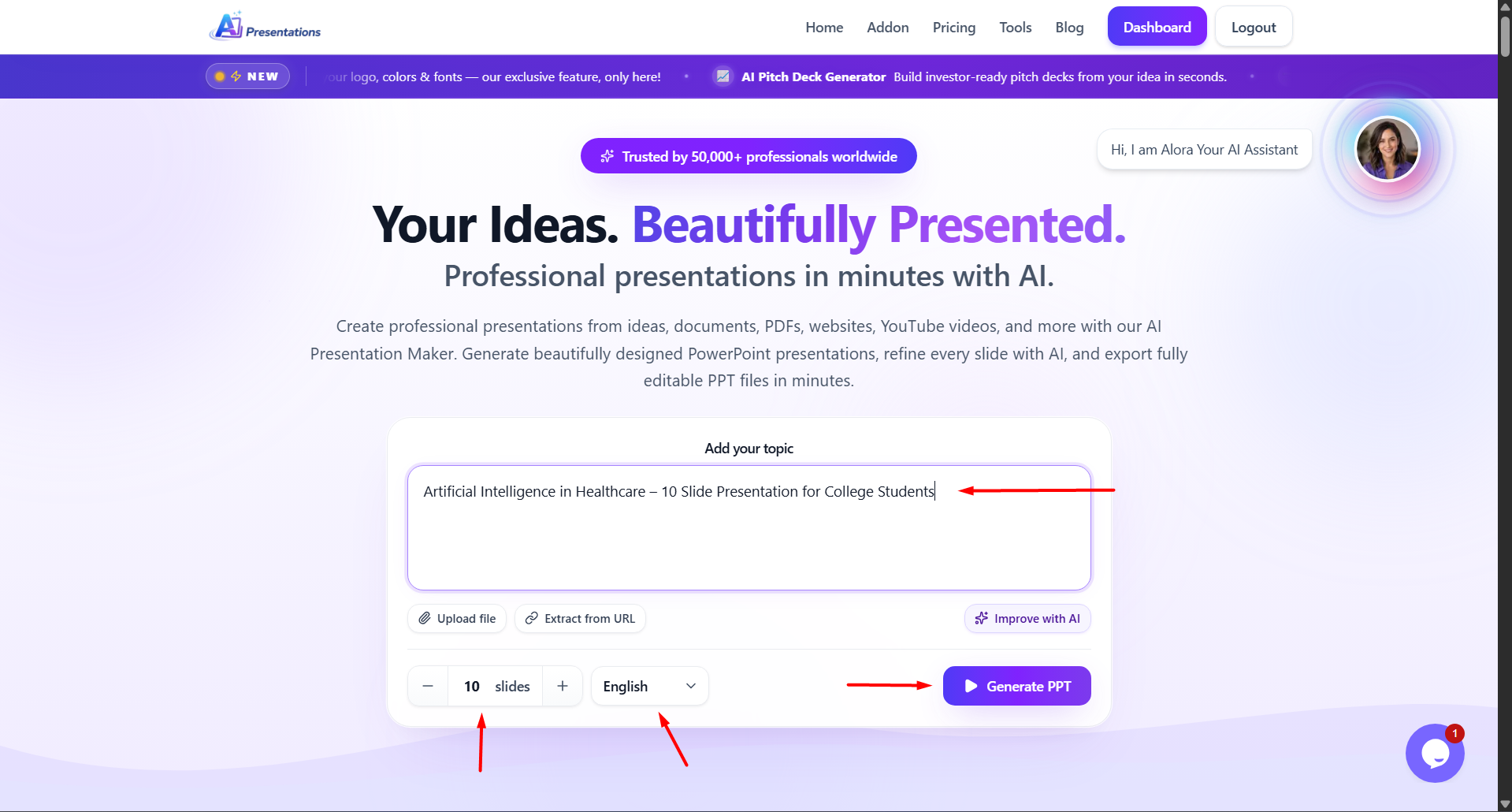
Artificial Intelligence in Healthcare – 10 Slide Presentation for College Students
जितनी स्पष्ट जानकारी होगी, उतना बेहतर Result मिलेगा।
मेरी सलाह: मैंने अलग-अलग AI Presentation Tools को इस्तेमाल करने के बाद पाया कि सबसे अच्छे परिणाम तब मिलते हैं जब आप स्पष्ट Topic, Target Audience और Slides की संख्या पहले से तय करते हैं। इससे AI अधिक व्यवस्थित Presentation तैयार करता है।
अगर आपके पास Content पहले से तैयार है, तो आपको उसे दोबारा लिखने की जरूरत नहीं होती।
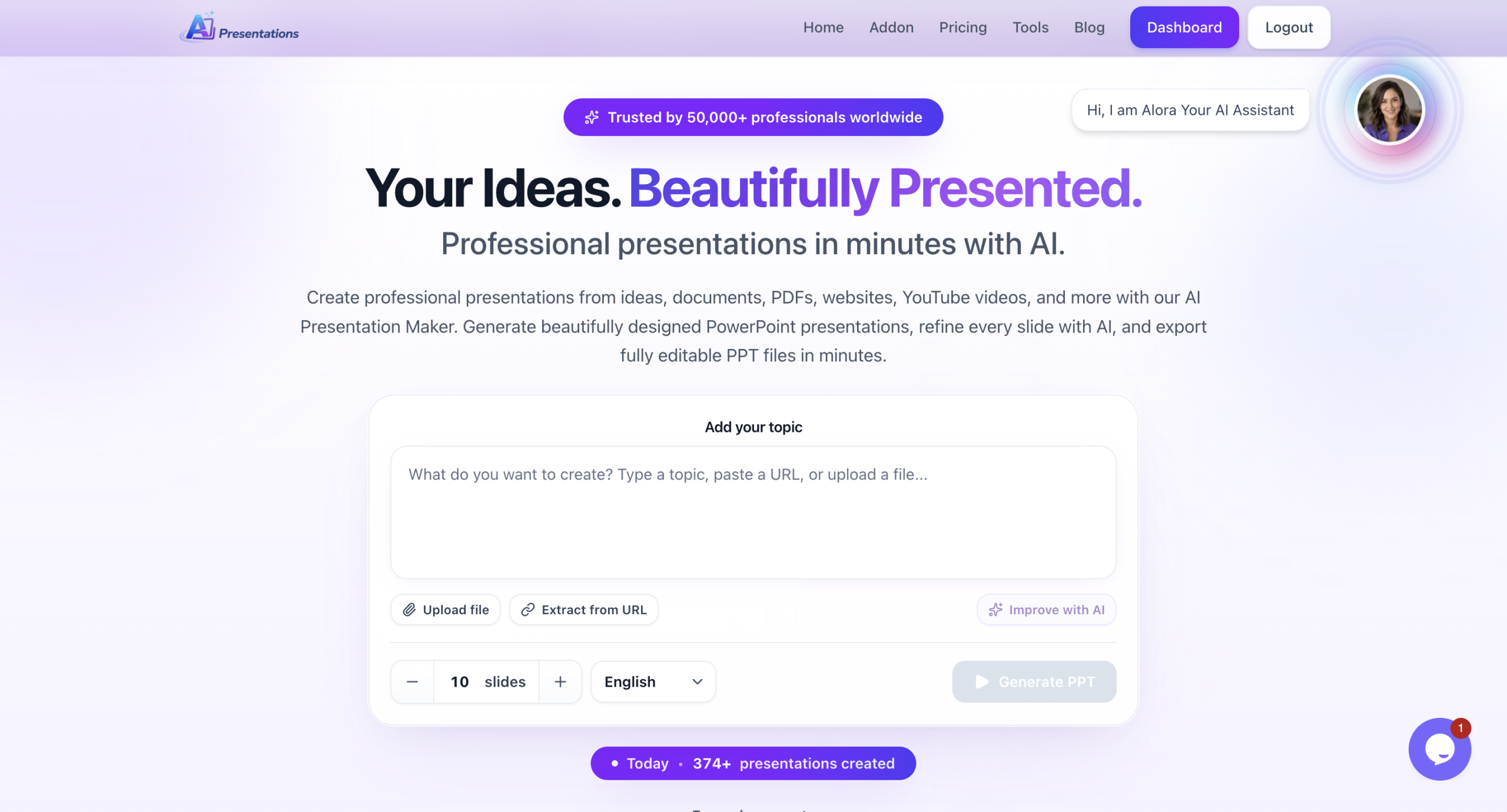
Step 2: अपना Topic या Content जोड़ें
अब अपना Topic लिखें या उपलब्ध Content अपलोड करें।
उदाहरण
Artificial Intelligence in Healthcare – 10 Slide Presentation for College Students
Digital Marketing Strategy
Climate Change
Machine Learning
Startup Business Plan
Solar Energy
Financial Planning
अगर आपके पास पहले से PDF या Word Document है, तो उसे भी इस्तेमाल किया जा सकता है।
Step 3: Presentation की भाषा चुनें
अब अपनी पसंद की भाषा चुनें।
आप Presentation हिंदी, अंग्रेज़ी और कई अन्य भाषाओं में तैयार कर सकते हैं।
अगर आपकी Audience भारत में है, तो हिंदी या Hinglish Presentation बेहतर विकल्प हो सकती है।
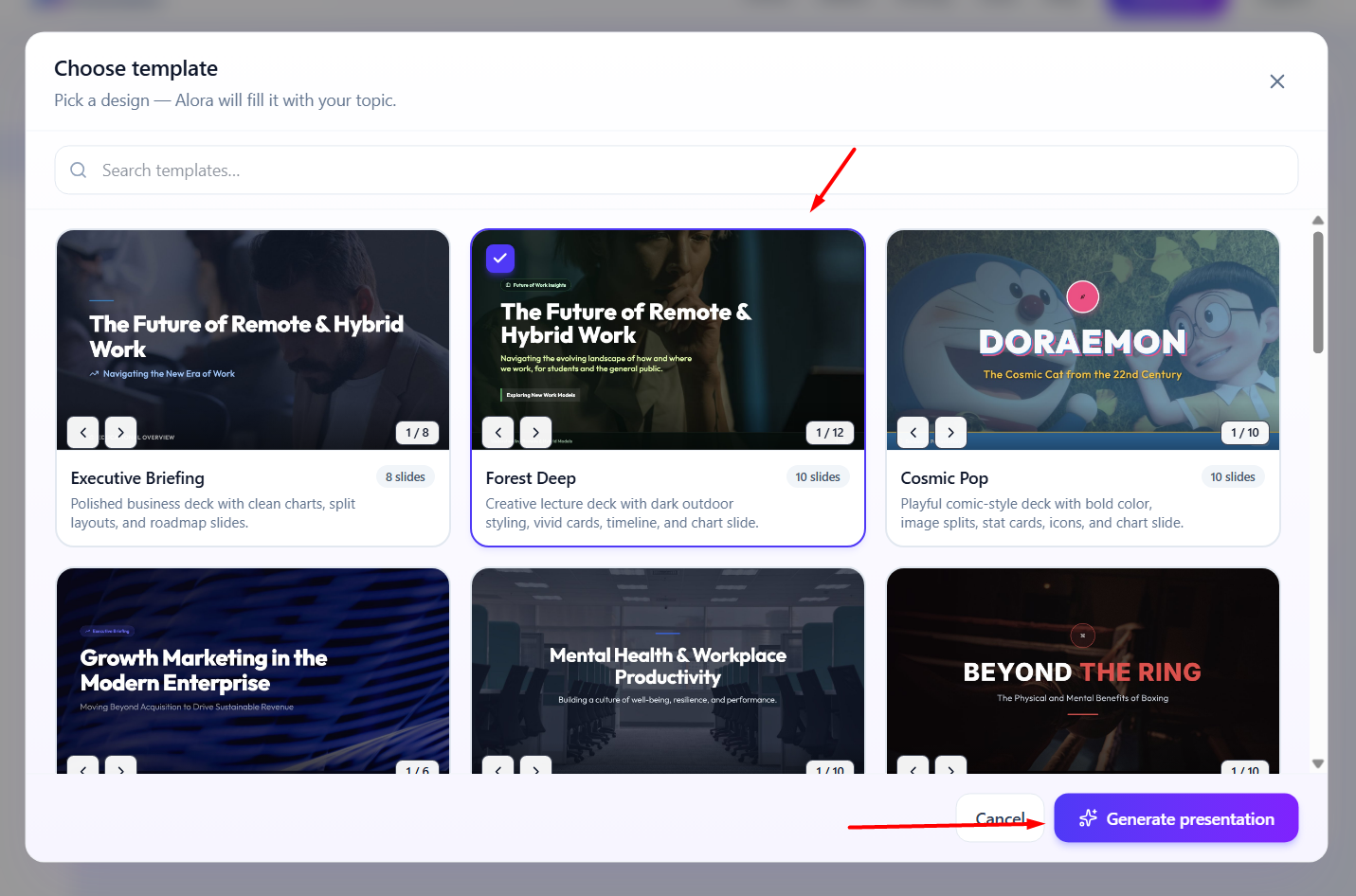
Step 4: Theme और Style चुनें
अब Presentation का Design चुनें।
उदाहरण
Professional
Business
Education
Startup
Minimal
Modern
सही Theme चुनने से Presentation अधिक आकर्षक दिखाई देती है।
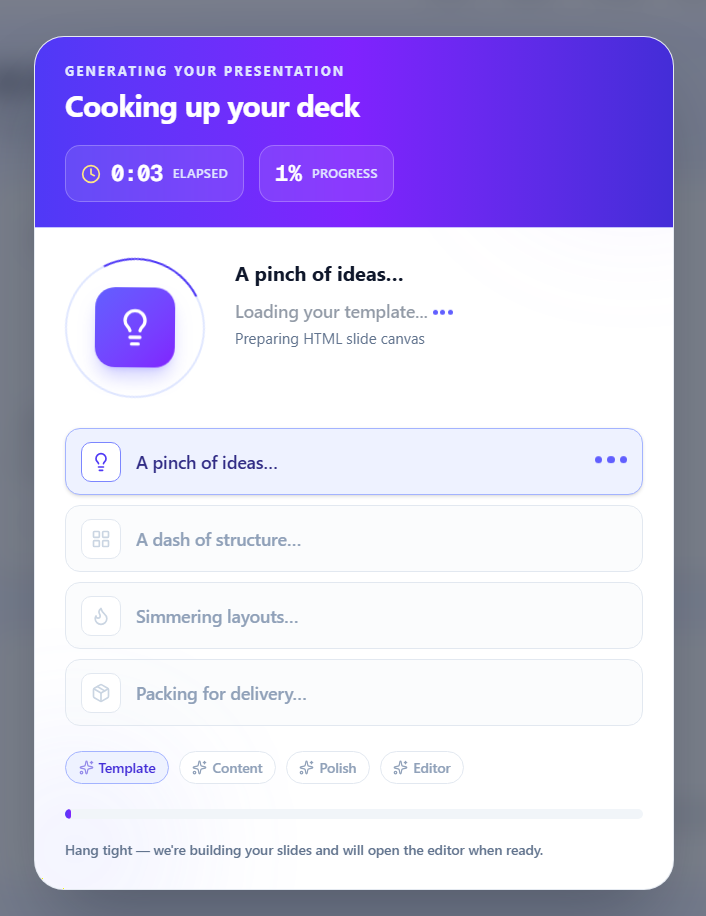
Step 5: Presentation Generate करें
अब Generate पर क्लिक करें।
कुछ ही सेकंड में AI
Outline तैयार करेगा।
Slide Titles बनाएगा।
Content लिखेगा।
Layout तैयार करेगा।
Presentation Generate करेगा।
अब आपके पास एक Editable Presentation तैयार होगी।
Step 6: Presentation को Customize करें
AI द्वारा तैयार की गई Presentation को अंतिम रूप देने से पहले उसे जरूर Review करें।
आप
Content बदल सकते हैं।
Images जोड़ सकते हैं।
Slides हट या जोड़ सकते हैं।
Company Branding जोड़ सकते हैं।
Charts और Icons शामिल कर सकते हैं।
इससे आपकी Presentation और अधिक Professional दिखाई देगी।
Step 7: Presentation Export करें
जब Presentation तैयार हो जाए, तब उसे Export करें।
आप Presentation को
PowerPoint (.pptx)
Google Slides
PDF
में उपयोग कर सकते हैं।
AI Presentations की मदद से Presentation बनाना क्यों आसान है?
अगर आपके पास केवल एक Topic नहीं बल्कि अलग-अलग प्रकार का Content है, तो AI Presentations App आपकी पूरी Workflow को आसान बना सकता है।
उदाहरण के लिए, अगर आपके पास
Research PDF
Word Report
YouTube Lecture
Blog Article
Website URL
पहले से मौजूद है, तो आप उसी Content के आधार पर Presentation तैयार कर सकते हैं। इससे दोबारा Content लिखने की जरूरत नहीं पड़ती और आपका काफी समय बच जाता है।
इसके अलावा तैयार Presentation को अपनी जरूरत के अनुसार Edit किया जा सकता है, जिससे Final Output आपकी Audience और उद्देश्य के अनुसार बेहतर बनती है।
इस Tool की कुछ मुख्य विशेषताएं हैं:
One-click presentation generation
Automatic content creation
Smart slide design
Beginner-friendly interface
Fast processing
इसके अलावा यह सिर्फ PPT बनाने तक सीमित नहीं है, बल्कि यह आपकी overall productivity को भी improve करता है।
AI Presentations App क्यों choose करें?
आज के समय में users simplicity और speed चाहते हैं। AI Presentations App इसी जरूरत को ध्यान में रखकर बनाया गया है। यह tool खासतौर पर उन लोगों के लिए useful है जो बार-बार presentations बनाते हैं और हर बार नया design और content बनाने में समय नहीं लगाना चाहते।
यह tool आपको एक streamlined workflow देता है जिसमें आप एक ही जगह पर idea से लेकर final presentation तक का पूरा काम कर सकते हैं। इससे आपका time भी बचता है और effort भी कम होता है।
AI Tools किन लोगों के लिए सबसे useful है?
AI PPT tools लगभग हर category के users के लिए उपयोगी हैं। अगर आप student हैं, तो आप अपने assignments और projects जल्दी तैयार कर सकते हैं। अगर आप professional हैं, तो आप client presentations और reports आसानी से बना सकते हैं।
Teachers के लिए यह lecture slides बनाने में बहुत मददगार है और freelancers के लिए यह fast delivery में मदद करता है। कुल मिलाकर, यह tool हर उस व्यक्ति के लिए उपयोगी है जिसे नियमित रूप से presentations बनानी पड़ती हैं।
Common Mistakes (इनसे बचें)
AI का उपयोग करते समय कई लोग कुछ सामान्य गलतियां करते हैं जो उनकी presentation की quality को कम कर देती हैं।
इनमें शामिल हैं:
AI output को बिना edit किए use करना
Slides में बहुत ज्यादा text भर देना
Design consistency maintain न करना
Visual elements का उपयोग न करना
इन गलतियों से बचकर आप अपनी presentation को काफी बेहतर बना सकते हैं।
AI ने प्रेजेंटेशन बनाने की प्रक्रिया को पूरी तरह बदल दिया है। अब एक प्रभावशाली PPT तैयार करने के लिए आपको डिज़ाइन एक्सपर्ट या PowerPoint विशेषज्ञ होने की आवश्यकता नहीं है। सही AI Presentation Tool और स्पष्ट Prompt की मदद से कोई भी व्यक्ति कुछ ही मिनटों में एक व्यवस्थित और प्रोफेशनल प्रेजेंटेशन तैयार कर सकता है।
हालांकि AI को केवल एक शुरुआती सहायक के रूप में देखना चाहिए, अंतिम परिणाम की गुणवत्ता अभी भी आपकी समीक्षा, कस्टमाइज़ेशन और विषय की समझ पर निर्भर करती है। इसलिए हमेशा AI द्वारा तैयार किए गए कंटेंट को जांचें, आवश्यक बदलाव करें और अपनी ऑडियंस के अनुसार प्रेजेंटेशन को बेहतर बनाएं।
यदि आप नियमित रूप से प्रेजेंटेशन बनाते हैं, तो AI Tools आपके समय की बचत कर सकते हैं, उत्पादकता बढ़ा सकते हैं और बेहतर परिणाम प्राप्त करने में मदद कर सकते हैं। सही तरीके से उपयोग किए जाने पर AI केवल PPT बनाने का टूल नहीं बल्कि एक शक्तिशाली प्रोडक्टिविटी पार्टनर बन सकता है।
अब आप इस गाइड में बताए गए स्टेप्स को फॉलो करके अपनी अगली प्रेजेंटेशन कुछ ही मिनटों में तैयार कर सकते हैं।
FAQ – अक्सर पूछे जाने वाले सवाल
Q1. क्या AI से PPT फ्री में बना सकते हैं?
हाँ, कई AI tools free plan देते हैं जिनसे आप basic presentations बना सकते हैं।
Q2. क्या AI PPT को edit किया जा सकता है?
हाँ, आप पूरी तरह customize कर सकते हैं।
Q3. क्या बिना design skill के PPT बना सकते हैं?
हाँ, AI खुद design संभाल लेता है।
Q4. सबसे अच्छा AI PPT tool कौन सा है?
Beginners के लिए AI Presentations एक बहुत अच्छा विकल्प है।
Q5. क्या ChatGPT PPT बना सकता है?
ChatGPT content generate कर सकता है, लेकिन slides बनाने के लिए आपको अलग tool की जरूरत होती है।
Pecha Kucha presentation topics work well when they are visual, creative, personal, and easy to explain in the fast-paced 20×20 presentation format. Some popular Pecha Kucha presentation topics include storytelling, technology, student life, motivation, travel, and social media trends. These can also overlap with technology presentation topics and even creative health presentation topics when presented visually.
People like Pecha Kucha presentations because they make presentations more fun and less boring. Instead of long lectures filled with text-heavy slides, this format uses 20 slides shown for 20 seconds each, creating a presentation that lasts only 6 minutes and 40 seconds.
The timing is very strict, so choosing the Pecha Kucha presentation topics is really important. The best Pecha Kucha presentation topics are simple, look good and are easy to turn into a story. Whether you are a student, a teacher or a professional, picking Pecha Kucha presentation topics that are engaging can help you connect with the people listening and make your Pecha Kucha presentation memorable.
In this guide, you will find Pecha Kucha presentation topics, funny Pecha Kucha presentation ideas, examples that students will like and tips to create a Pecha Kucha presentation that will have an impact.
What Is a Pecha Kucha Presentation?
A Pecha Kucha presentation is a fast-paced presentation format where speakers show 20 slides for 20 seconds each, creating a presentation that lasts 6 minutes and 40 seconds. The format focuses on visual storytelling, concise communication, and audience engagement.
Unlike traditional presentations with text-heavy slides, Pecha Kucha presentations rely on images, minimal text, and natural speaking. Since slides automatically change every 20 seconds, presenters must explain ideas clearly and stay on track.
Today, Pecha Kucha presentation topics are widely used in schools, colleges, workplaces, and public speaking events because the format makes presentations more engaging, creative, and easier for audiences to follow. Many students also use this style for seminar topics for students because it keeps audiences focused.
How to Choose the Best Pecha Kucha Presentation Topics
Choosing the right Pecha Kucha presentation topics is important because the 20×20 format moves quickly. A good topic should be simple, visual, and easy to explain within a few minutes.
Start by choosing something you already know or genuinely enjoy. Personal experiences, hobbies, technology trends, travel stories, and motivational lessons often make the best Pecha Kucha topics because they feel natural to present.
It is also important to pick visual presentation ideas. Since Pecha Kucha presentations rely heavily on images, topics related to photography, social media, lifestyle, fashion, or storytelling usually work well. Avoid overly broad or technical subjects that are difficult to explain quickly.
Another helpful tip is to keep your presentation focused on one main idea. Instead of discussing a huge topic like artificial intelligence, narrow it down to something specific like “How AI Changed Student Productivity” or “The Future of AI in Education.” which can also work as strong ai presentation topics.
The best Pecha Kucha presentation ideas combine storytelling, audience engagement, and clear communication. When your topic feels relatable and visually engaging, your presentation becomes far more memorable.
Best Pecha Kucha Presentation Topics for Students
Finding engaging Pecha Kucha presentation topics for students can feel difficult, especially when you need ideas that are creative, simple, and easy to present within the 20×20 format. The best student presentation topics are usually relatable, visual, and connected to everyday experiences. Many of these also fit into easy presentation topics 100 ideas collections shared by teachers and educators online.
Educational Presentation Topics
How online learning changed education
The psychology of procrastination
Study habits that actually work
Mental health awareness in schools
Why creativity matters in classrooms
Technology Presentation Ideas
AI tools students use daily
The impact of social media addiction
Cybersecurity basics for beginners
How smartphones affect attention spans
The future of virtual classrooms
Motivational Pecha Kucha Topics
Lessons learned from failure
Building self-confidence as a student
Why discipline matters more than motivation
Small habits that improve productivity
My journey overcoming stage fear
Fun and Creative Presentation Topics
The evolution of meme culture
Why introverts make great leaders
My most embarrassing school moment
The hidden psychology of colors
A day without the internet
These Pecha Kucha presentation ideas help students improve public speaking skills and keep audiences engaged through storytelling and visual communication.
Creative Pecha Kucha Presentation Topics
Creative Pecha Kucha presentation topics are often the most memorable because they combine storytelling, visuals, and personal experiences. These topics allow speakers to connect emotionally with the audience while making the presentation feel natural and engaging.
Some of the best creative Pecha Kucha topics include:
A place that changed my life
The power of nostalgia
Life lessons from travel
Why do people romanticize rain
My relationship with photography
The psychology behind music and mood
The evolution of fashion trends
Things I learned from failure
The hidden beauty of old buildings
How social media changed communication
You can also explore storytelling presentation ideas based on hobbies, childhood memories, cultural experiences, or daily routines. Topics that include strong visuals and emotional connection usually work best in the 20×20 presentation format.
The key to choosing creative presentation topics is keeping them personal, simple, and visually engaging. When audiences feel connected to your story, your presentation becomes far more impactful.
Funny Pecha Kucha Presentation Topics
Funny Pecha Kucha presentation topics work extremely well because the fast-paced 20×20 format naturally keeps audiences entertained. Humorous topics also make presentations feel more relaxed and relatable.
Here are some funny Pecha Kucha topics that can easily grab attention:
Why group projects never work
My toxic relationship with alarms
How Netflix destroys productivity
The emotional stages of online shopping
Why autocorrect ruins lives
Surviving family WhatsApp groups
Things students pretend to understand
The science of procrastination
Why everyone thinks they are a life coach online
Weird food combinations that actually taste good
The best funny presentation ideas are based on everyday situations that people can relate to. Adding humour, storytelling, and expressive visuals helps make your Pecha Kucha presentation more memorable and engaging.
When using humour, keep your presentation light, simple, and audience-friendly. The goal is to entertain while maintaining a clear, organised presentation.
Turn Your Pecha Kucha Presentation Topics into Ready-to-Present Slides
Once you finalise your Pecha Kucha presentation topics, the next challenge is creating visually engaging slides that match the fast-paced 20×20 presentation format. Designing 20 different slides manually can take a lot of time, especially when you also need strong visuals, smooth storytelling, and proper timing.
This is where an AI Presentation Maker can simplify the entire process. Instead of starting from scratch, you can instantly turn your topic into a structured presentation with ready-to-edit slides, visual layouts, and presentation flow suggestions.
Whether you are creating a classroom assignment, business presentation, seminar deck, or creative storytelling presentation, AI-powered presentation tools help save time while maintaining a professional and engaging design.
Quick Steps to Create Your Pecha Kucha Presentation
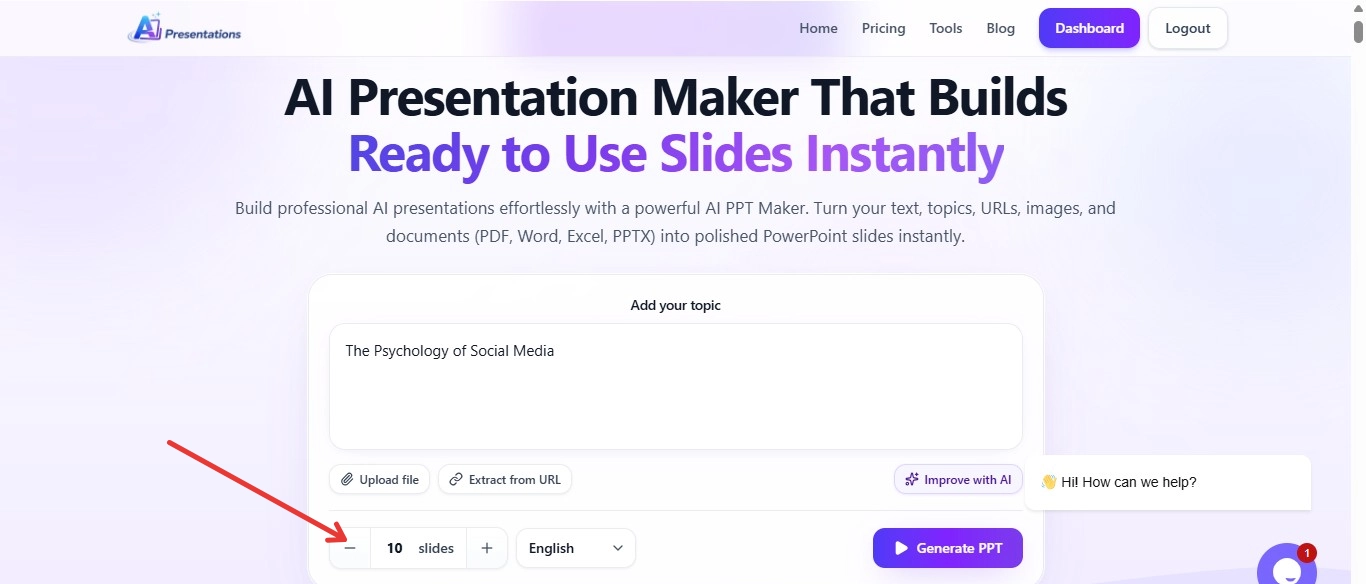
Step 1. Start with an AI PPT Maker or Topic-to-Slides tool directly from your browser.
Step 2. Add your selected Pecha Kucha presentation topic, such as:
The Psychology of Social Media
Lessons Learned from Failure
AI in Student Life
The Evolution of Meme Culture
Step 3. Choose the number of slides, presentation theme, and visual style based on your audience and topic.
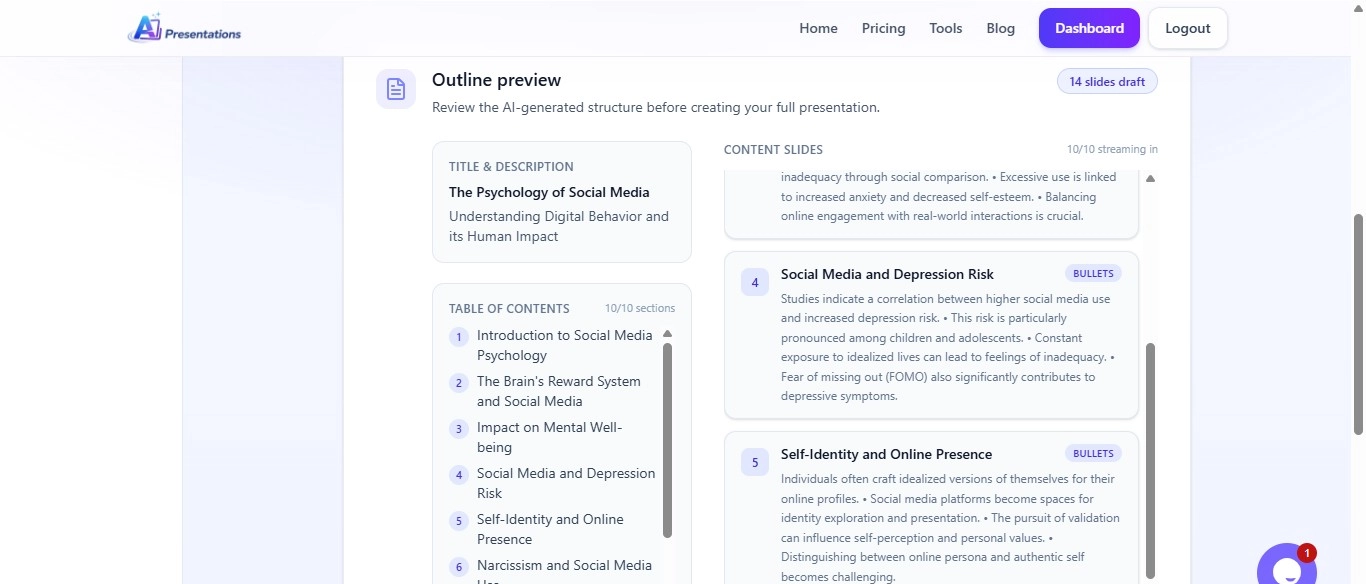
Step 4. The AI tool automatically creates a presentation outline with slide content, headings, and design structure optimised for visual storytelling.
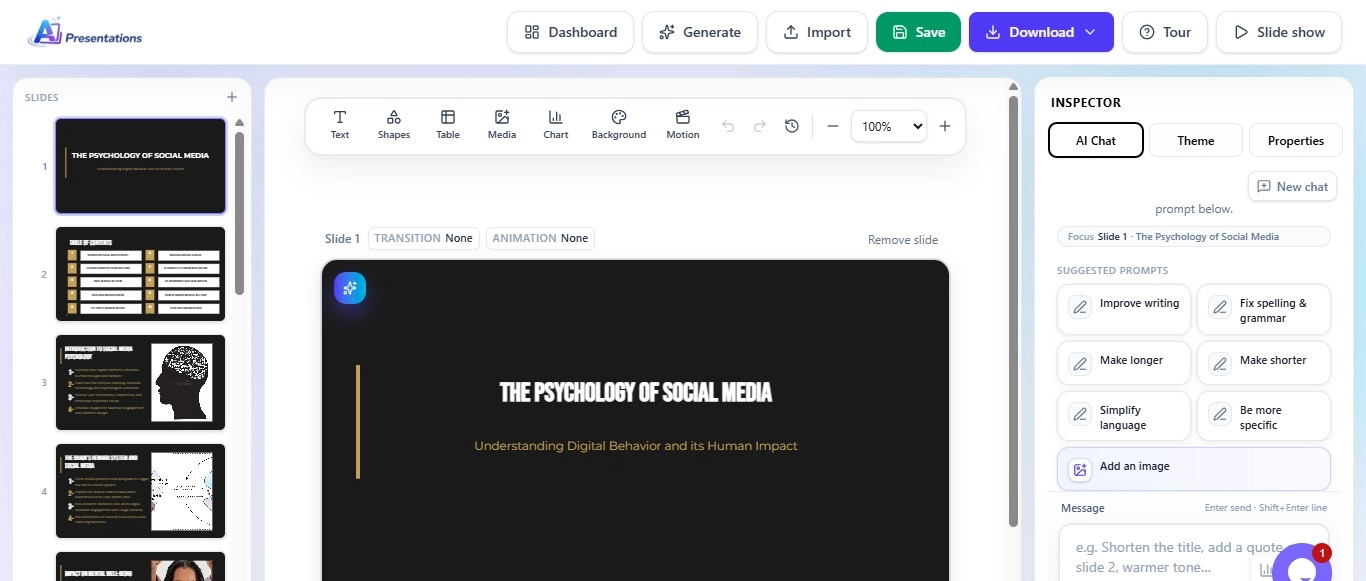
Step 5. Edit text, add images, change themes, rearrange slides, or include your personal storytelling elements.
Step 6. Preview the final presentation.
Step 7. Lastly, export it in formats like PPT or PDF for school, college, meetings, or events.
Using AI for presentation creation makes it much easier to focus on storytelling, audience engagement, and delivery instead of spending hours on slide formatting and design.
Conclusion
Pecha Kucha presentations are really good at making things more interesting and fun to listen to. They do this with a format that is very fast-paced, it is called the 20×20 format. To make a Pecha Kucha presentation really good, you need to pick Pecha Kucha presentation topics that are easy to understand, have a lot of pictures, and are about things that people can relate to.
It does not matter what your Pecha Kucha presentation topic is about, whether it is funny, meant to motivate people, teach them something or is, for a job. What is important is that you tell a story and use strong pictures to help people remember what you are saying. You can use tools to help you make your Pecha Kucha presentation slides look nice and be ready to show people quickly and easily. Pecha Kucha presentations are great because they help people pay attention and remember what you are saying.
College Presentation Topics: The Ones That Stand Out
A unique topic helps you stand out. It also makes your presentation really impactful.
In this guide, you will learn how to choose unique college presentation topics. You will learn about the best tool used for this. Let us get into it.
What Makes a Presentation Topic Unique?
A unique presentation topic is something that offers a new perspective. It is basically about being engaging.
Here are the key qualities of topics that are unique:
They will be creative
It is going to be easy to relate to real-life situations
It might be interesting for your audience
It is clear
It is simple to explain
100+ Unique College Presentation Topics for Students
Explore 100+ creative, interesting, and trending college presentation topics across technology, business, science, psychology, and more to make your next presentation engaging and impactful.
Technology Presentation Topics
The Future of Artificial Intelligence
How AI Is Changing Education
Cybersecurity Threats in 2026
The Rise of Smart Cities
Blockchain Beyond Cryptocurrency
The Impact of Social Media Algorithms
Future of Quantum Computing
How Cloud Computing Works
The Ethics of Facial Recognition
Augmented Reality vs Virtual Reality
Business & Marketing Topics
Influencer Marketing Trends
How Startups Become Unicorns
The Psychology of Consumer Buying
Remote Work and Productivity
Digital Marketing Strategies for Small Businesses
How Brands Use Storytelling
The Future of E-commerce
Personal Branding for Students
Subscription Business Models
The Power of Customer Reviews
Psychology Presentation Topics
Why People Procrastinate
Social Media and Mental Health
The Science of Happiness
Effects of Sleep on Memory
Introvert vs Extrovert Personalities
The Psychology of Motivation
Decision-Making in Daily Life
The Impact of Stress on Students
Color Psychology in Marketing
How Habits Are Formed
Science Presentation Topics
Climate Change and Global Warming
Space Exploration in the Future
Renewable Energy Sources
Human Genome Editing
The Science Behind Vaccines
Ocean Pollution Crisis
The Role of Biotechnology
Artificial Organs and Medical Science
The Future of Electric Vehicles
Why Biodiversity Matters
Education Topics
Online Learning vs Traditional Learning
The Role of AI in Education
Why Soft Skills Matter
Gamification in Learning
The Importance of Financial Literacy
Student Productivity Hacks
Future Careers After AI
Education Systems Around the World
How Technology Improves Learning
Study Techniques That Actually Work
Creative & Fun Presentation Topics
Memes as Modern Communication
The Psychology of Viral Content
Why People Love True Crime Stories
The Evolution of Video Games
Anime’s Global Popularity
The Rise of Podcast Culture
The Science Behind Music Preferences
Cancel Culture Explained
Why Nostalgia Sells
Internet Trends That Changed Society
Health & Fitness Topics
Mental Health Awareness in Colleges
Healthy Lifestyle for Students
Effects of Fast Food on Health
Fitness Trends Among Gen Z
Importance of Daily Exercise
Screen Time and Eye Health
The Science of Nutrition
Yoga and Meditation Benefits
Sleep Deprivation in Students
The Impact of Sugar on the Body
Environment Topics
Plastic Pollution Solutions
Sustainable Living for Students
Water Conservation Techniques
Renewable Energy Innovations
Fast Fashion and Environmental Damage
The Future of Green Technology
Deforestation and Wildlife
Urban Farming Concepts
Recycling Myths and Facts
Eco-Friendly College Campuses
Communication & Media Topics
Fake News and Media Literacy
The Power of Public Speaking
How Social Media Influences Opinions
Digital Communication in Modern Life
The Evolution of Journalism
Podcasting as a Career
The Impact of Streaming Platforms
Social Media Addiction
How Advertisements Influence People
The Future of Content Creation
Career & Personal Development Topics
Time Management for Students
Building Leadership Skills in College
Importance of Networking
Freelancing Opportunities for Students
How to Build a Strong Resume
Entrepreneurship for Beginners
The Future of Work
Productivity Tools Every Student Should Use
Career Opportunities in AI
How to Overcome Fear of Public Speaking
Bonus Trending Topics
ChatGPT and the Future of AI Tools
Creator Economy Explained
Digital Privacy in Modern Society
The Future of Remote Education
How Technology Impacts Relationships
The Rise of Esports
Ethical Issues in Artificial Intelligence
AI-Generated Content and Creativity
Cryptocurrency and the Financial World
How Students Can Build Online Income Streams
Create Unique Presentations Instantly Using AI Tools
Coming up with a unique idea is only the first step. Turning that idea into a structured presentation can take more of your time.
This is where tools like AI Presentations App can help you. This tool generates presentation for you instantly.
It saves you time. It helps you organize your content well.
Steps to Create a Unique Presentation Using AI Presentations
Now, let us look at the steps. Follow these simple steps that are given below:
Firstly, open the AI Presentations website in your browser
Enter your presentation topic
Choose the number of slides
Click on generate presentation
Let the AI create structured slides
Review and make edits wherever it is required
Download or you can present directly
Other Tools You Can Consider
While AI Presentations makes things easier, there are other tools that are available as well. Canva, Google Slides, Microsoft PowerPoint are commonly used for creating presentations.
However, these tools often require manual effort when you are designing slides.
How to Choose a Unique Topic?
A simple approach for this can be:
To pick something you are interested in
To add a unique perspective to it
You can connect it with real-life examples
Keep it simple
Keep it very clear
Common Mistakes When Choosing Topics
Some of the most common ones include:
Choosing topics that are very common
Picking something the audience cannot understand
Trying to sound really complex
Lack of originality
Tips to Make Your Presentation Stand Out
Here are some simple tips that can help your presentations to stand out:
Keep your slides clean and very simple
Use clear points
Make it relatable
Speak confidently
Always engage with your audience
Why Use AI Tools for College Presentations?
Here is why they are useful:
It saves time
It saves effort
Helps in generating structured content
There are no design skills that are required
Helps in creating professional slides
It is suitable for beginners
Conclusion
Choosing unique college presentation topics is important. This is extremely helpful for you to make your presentations to stand out.
Instead of spending hours designing slides, you can use AI Presentation Maker Tool to generate complete presentations quickly. This helps you save time. It also improves the quality of your content.
FAQs
Q1. What are unique college presentation topics?
Unique topics are creative ideas. This can offer a fresh perspective. It helps your presentation to stand out.
Q2. How can I choose a unique presentation topic?
Pick something you are interested in. Later, you can add a different angle to it, something that can be relatable to the audience.
Q3. Can AI tools help in creating presentations?
Yes. Tools like AI Presentations can generate structured slides instantly. This can make the process much easier for you.
Q4. Are AI presentation tools beginner-friendly?
Yes. They are simple to use. They do not require technical skills.
Q5. Can AI tools improve presentation quality?
Yes. AI tools like AI Presentations create well-structured and visually balanced slides. This helps you deliver better presentations with very less effort.
200+ Presentation Topics That Are Easy, Unique & Guaranteed to Impress
Standing in front of an audience is already challenging but choosing the right topic can make or break your presentation.
Whether you’re a student, professional, or beginner, picking an engaging and easy presentation topic is the first step toward delivering a confident and impactful talk.
In this guide, you’ll discover 200+ easy presentation topics that actually impress, along with tips to choose the best one and turn it into a powerful presentation.
What Makes a Presentation Topic Easy?
An easy presentation topic is simple to understand. It does not require so much of research.
Here are the main features of topics that are easy.
Let us look into it now:
It is easy to explain in very simple words
It requires research that are very minimal
It is interesting
It is relatable
200+ Easy Presentation Topics That Actually Impress (2026 Guide)
9. Simple Presentation Topics Related to Fun & Creativity
What if humans could fly?
Life without smartphones
If animals could talk
A day without the internet
What if time travel existed?
My life as a billionaire
The funniest thing that happened to me
If I ruled the world
A world without exams
If robots took over
The weirdest invention ever
My dream vacation
If I had a superpower
A day in the future
The best invention ever made
What makes people laugh?
The importance of humor
Why memes are powerful
The science of fun
The role of creativity in life
10. Easy Beginner-Friendly Presentation Topics
My favorite hobby
My favorite book
My role model
My favorite place
My daily routine
My favorite teacher
My favorite subject
My dream job
My favorite movie
My favorite food
A memorable day in my life
My best friend
My favorite festival
My school experience
My favorite sport
My biggest achievement
My future goals
My favorite holiday
My favorite activity
My favorite childhood memory
BONUS – 5 Extra Easy Presentations Topics
How to prepare a presentation fast
Common presentation mistakes
How to overcome stage fear
How to make slides engaging
Tips to deliver confident presentations
Create PPT from Easy Presentation Topics Instantly Using AI
Even with easy presentation topics, creating slides can take a lot of time for you. Doing everything manually can be really stressful. So you have options to use platforms like Canva, PowerPoint, Google Slides, etc. Even with these platforms you need to spend hours of manual work to come up with a desired presentation.
If you want to speed up the entire process and remove the human efforts then you can use AI. Yes using AI tools you can create any PPT using any topics above in just 60 seconds.
This is where AI PPT Maker like AI Presentations App can help you. This tool allows you to create complete presentations in just a few minutes. You do not need any design skills.
Key Featured of AI Presentations That Gives It an Edge Over Others
It offers several smart AI tools designed for different presentation needs and use cases
Supports multiple input formats, making presentation creation flexible and fast
Eliminates manual effort by automating content creation, structuring, and design
Helps users go from idea to presentation in seconds without any design skills
Instead of building slides manually, you can generate them automatically if you use AI. I always prefer tools over manual approach as it save time and efforts.
Steps to Create a Presentation Using AI Presentations
Follow these simple steps now:
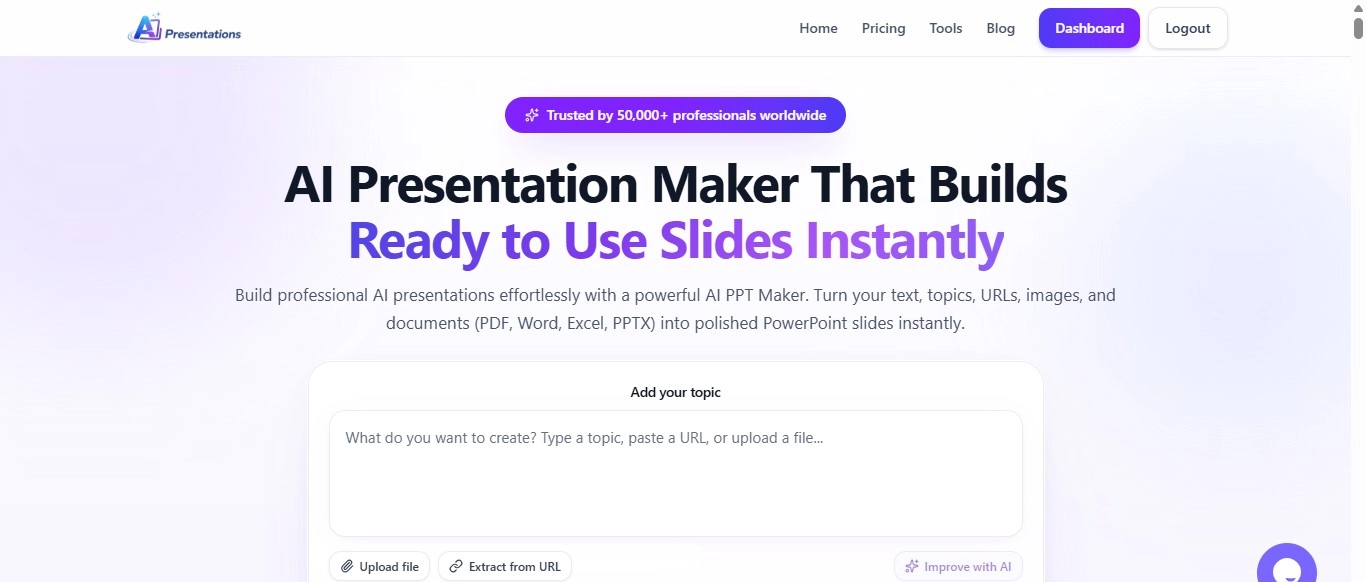
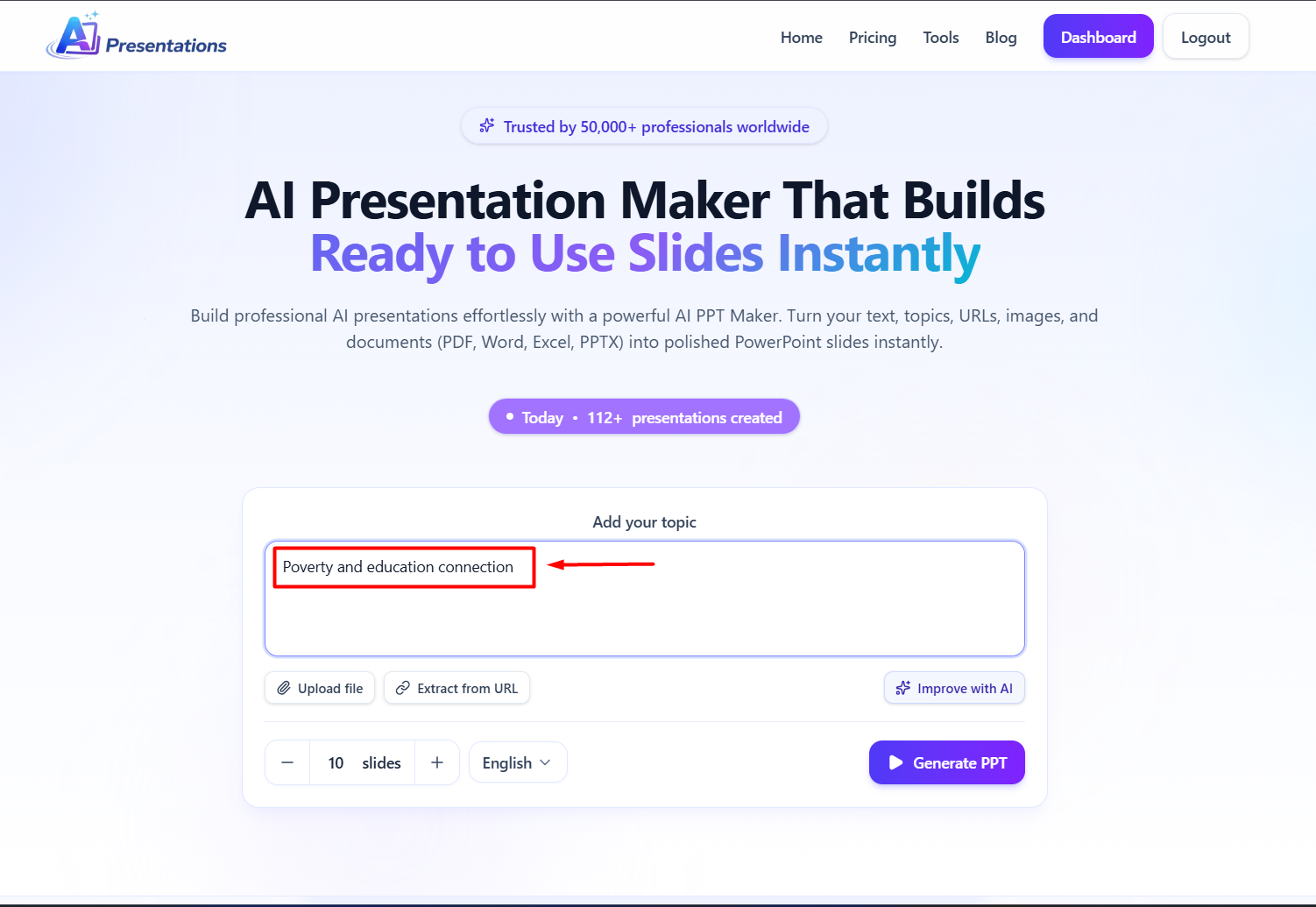
Open the AI PresentationsApp website in your browser.
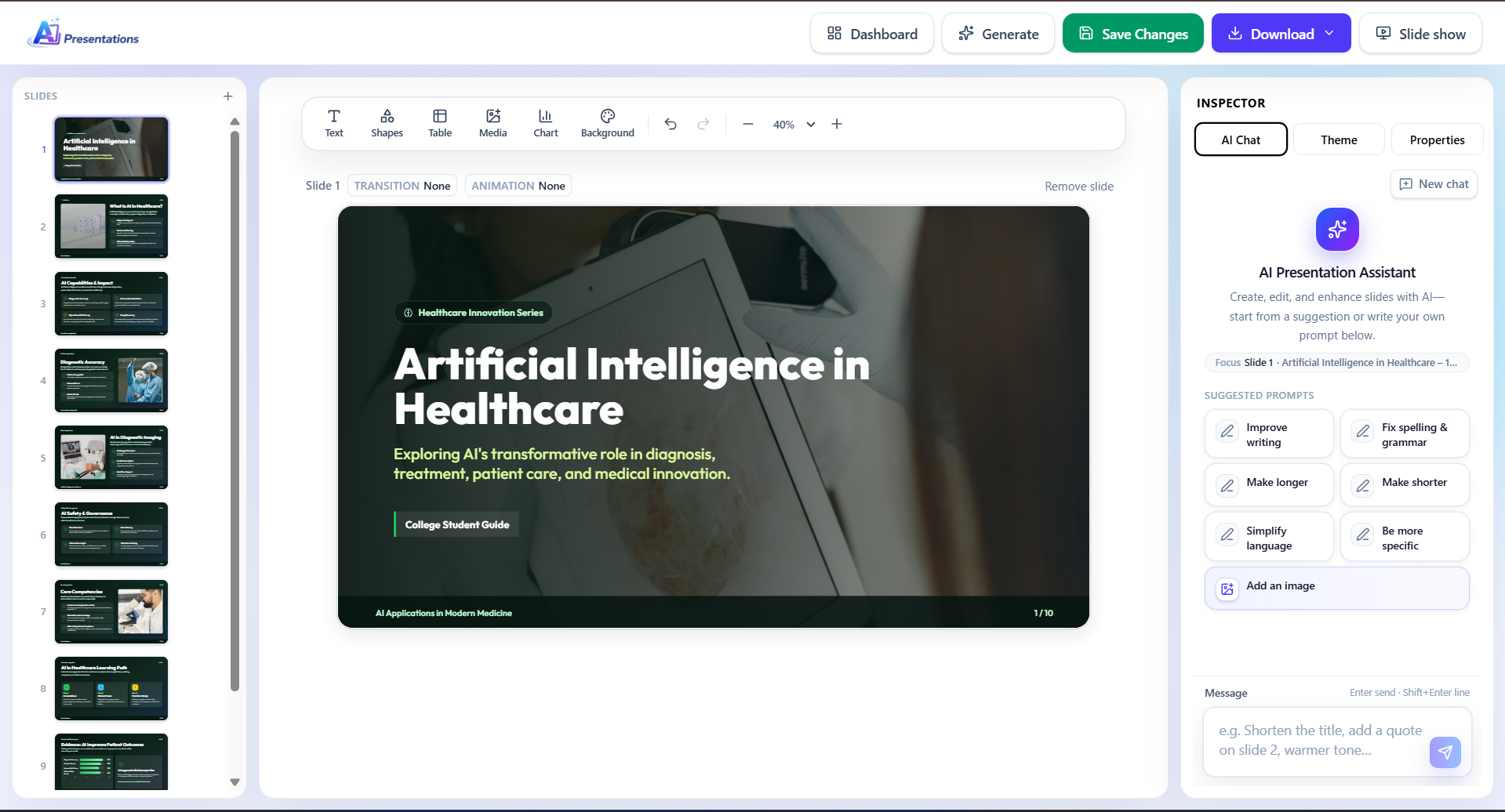
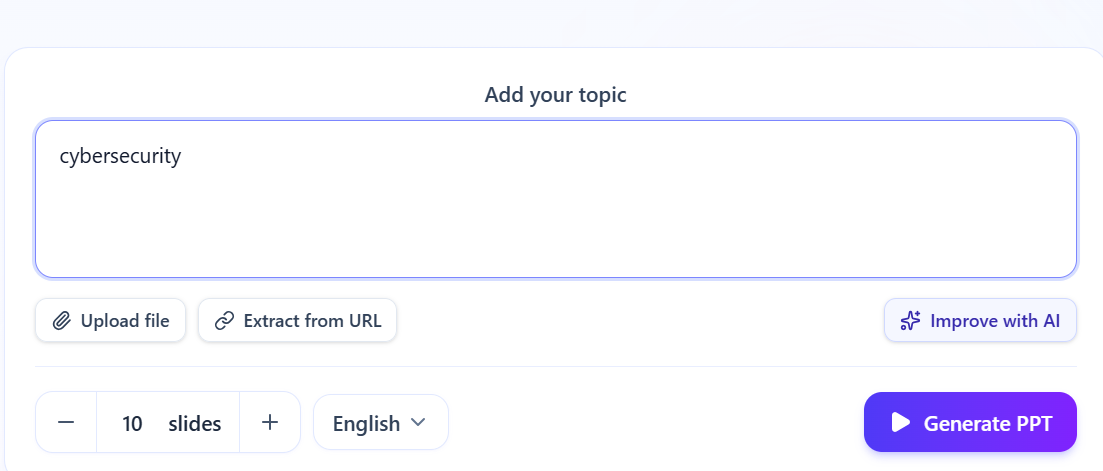
Enter your presentation topic. I am choosing this topic from the above list of easy presenation topics: “Poverty and education connection”
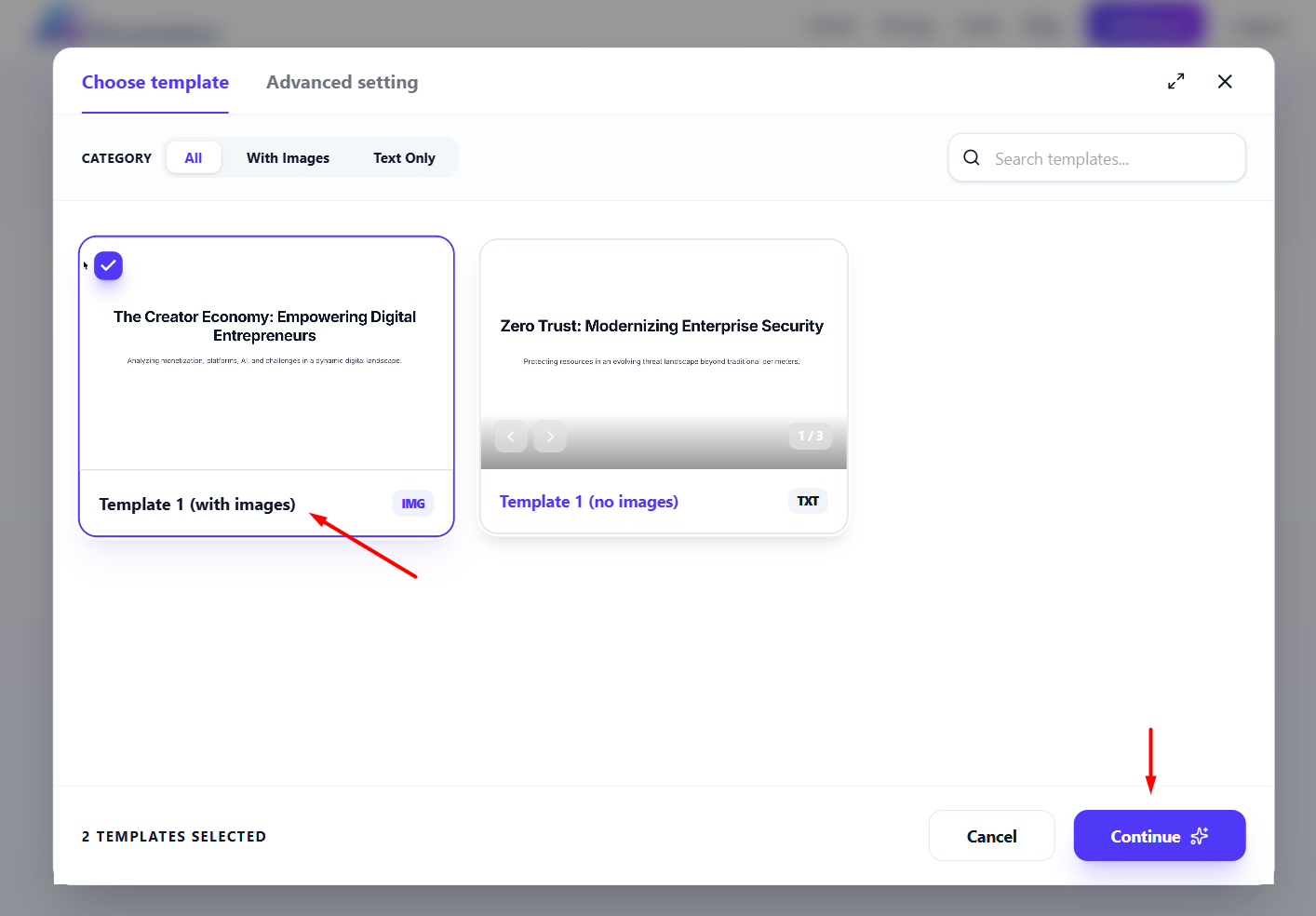
Choose the number of slides, & choose the desired template. Now, click on the continue to generate the outline.
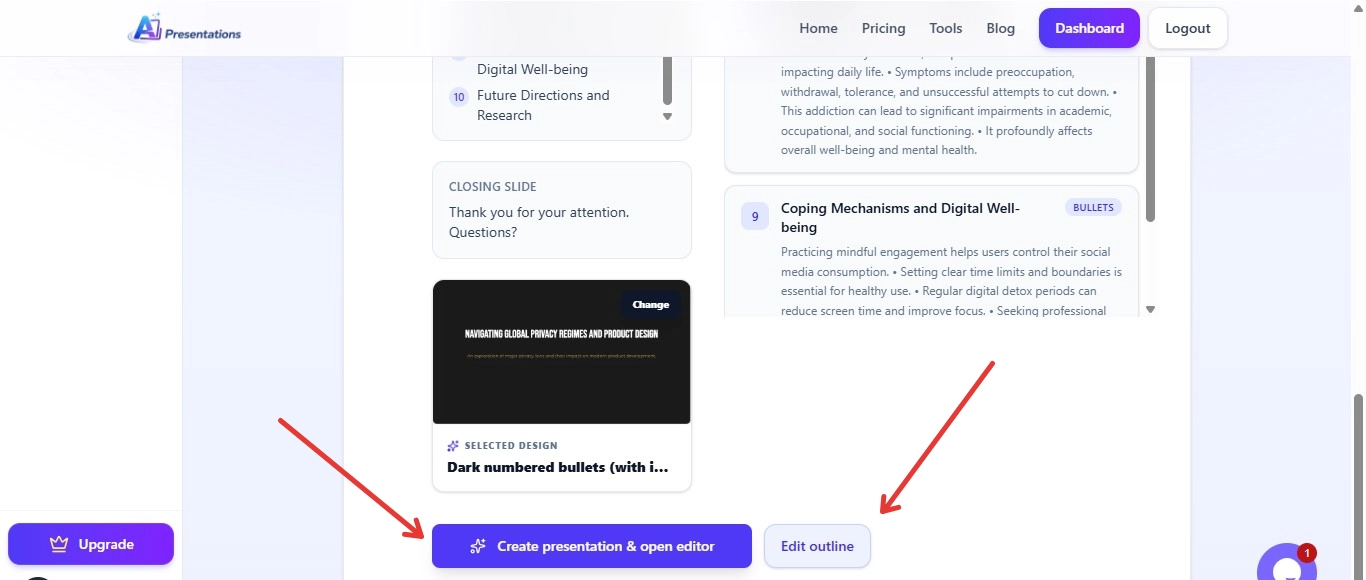
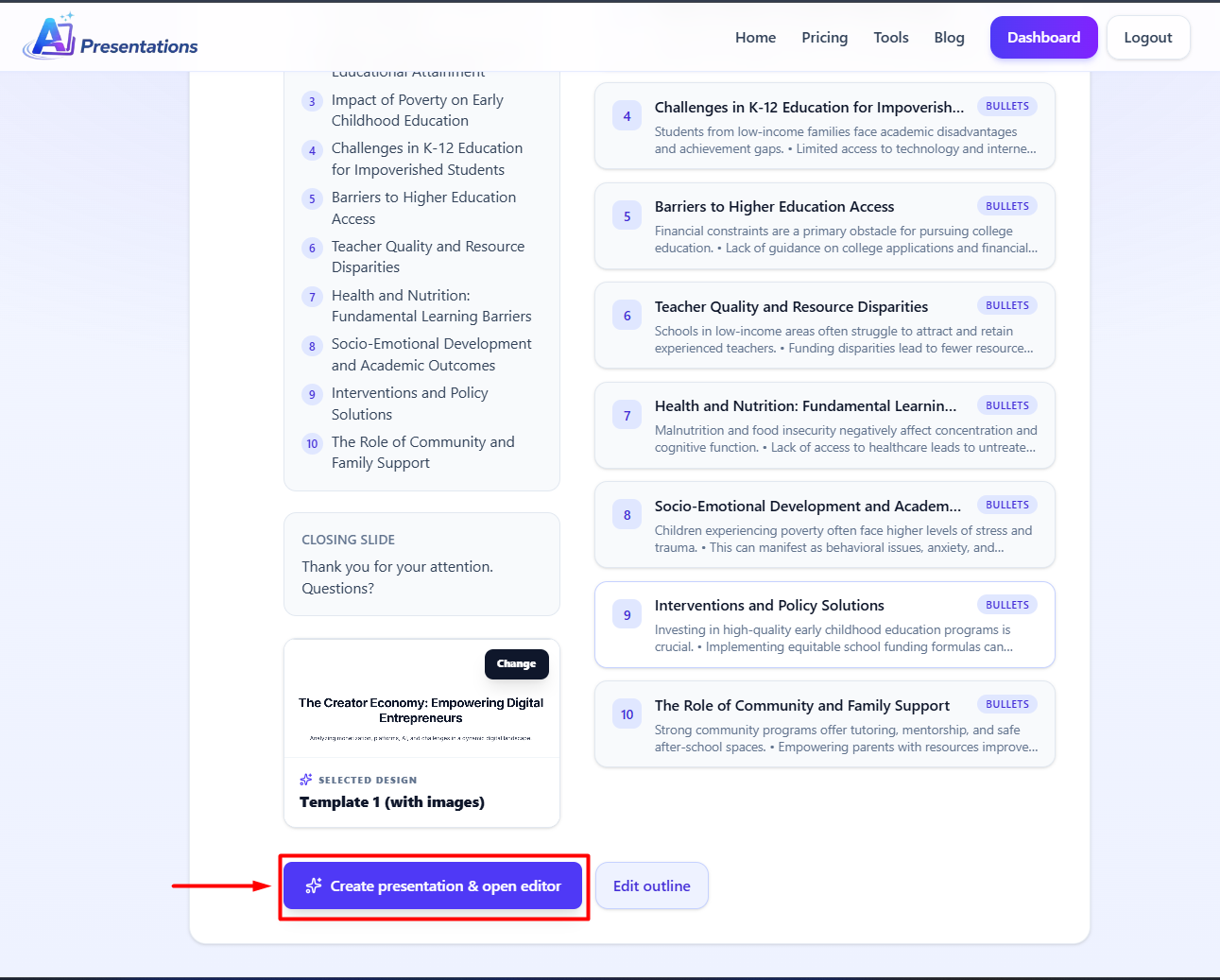
Review the AI-generated structure before creating your full presentation. If you want to edit any slide content you can edit accordingly.
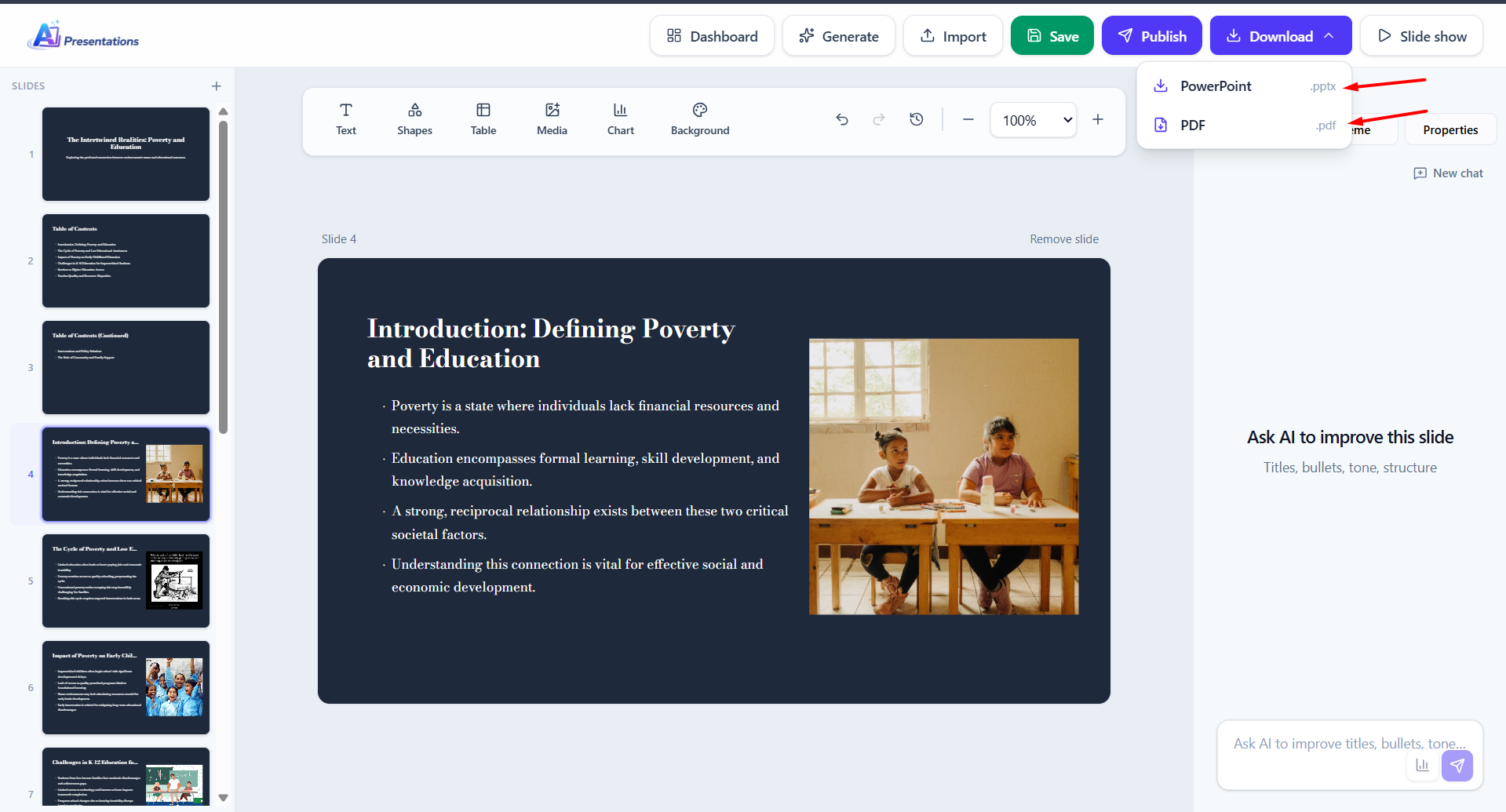
Now click on Create presentation & open editor.
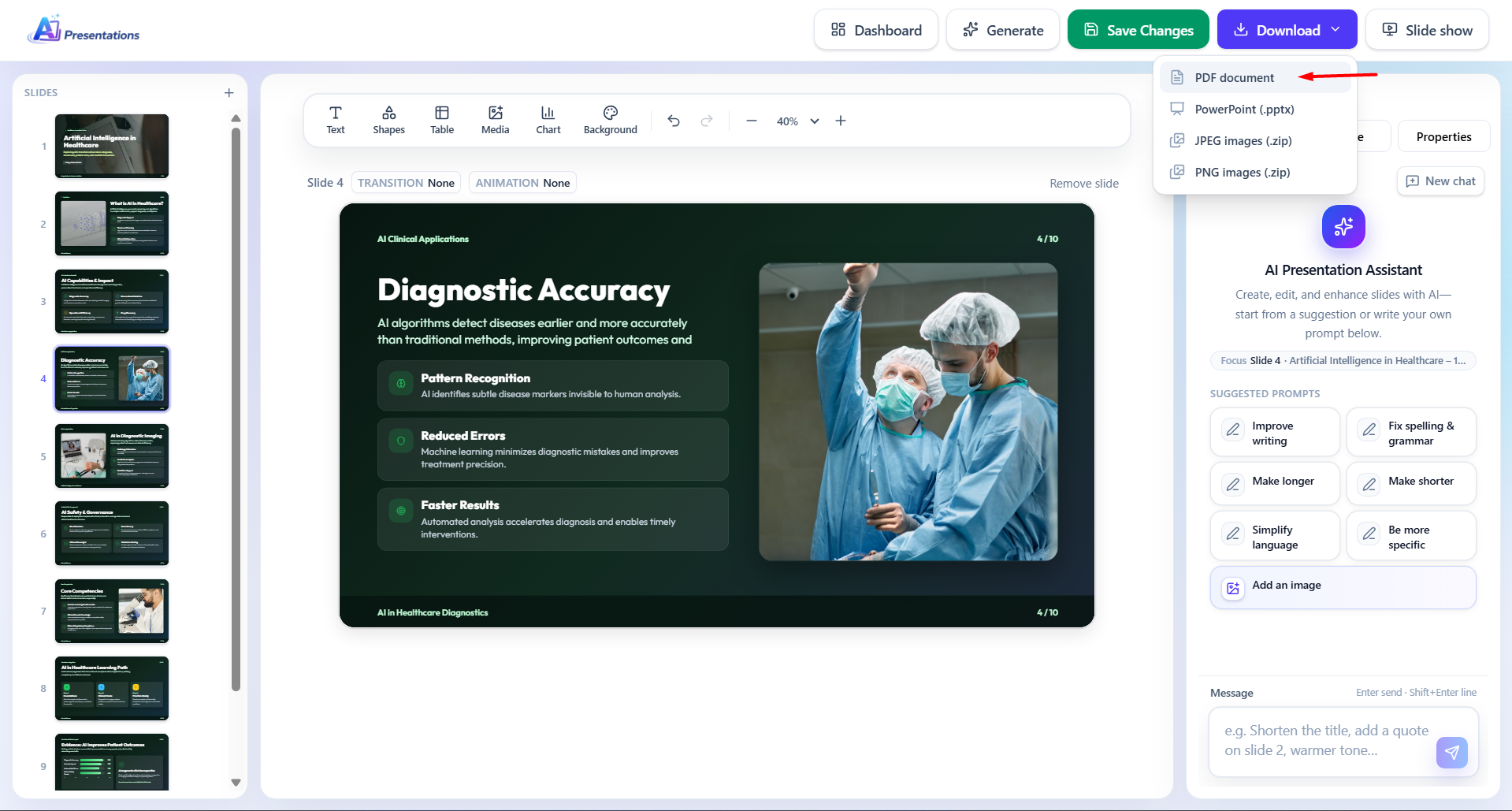
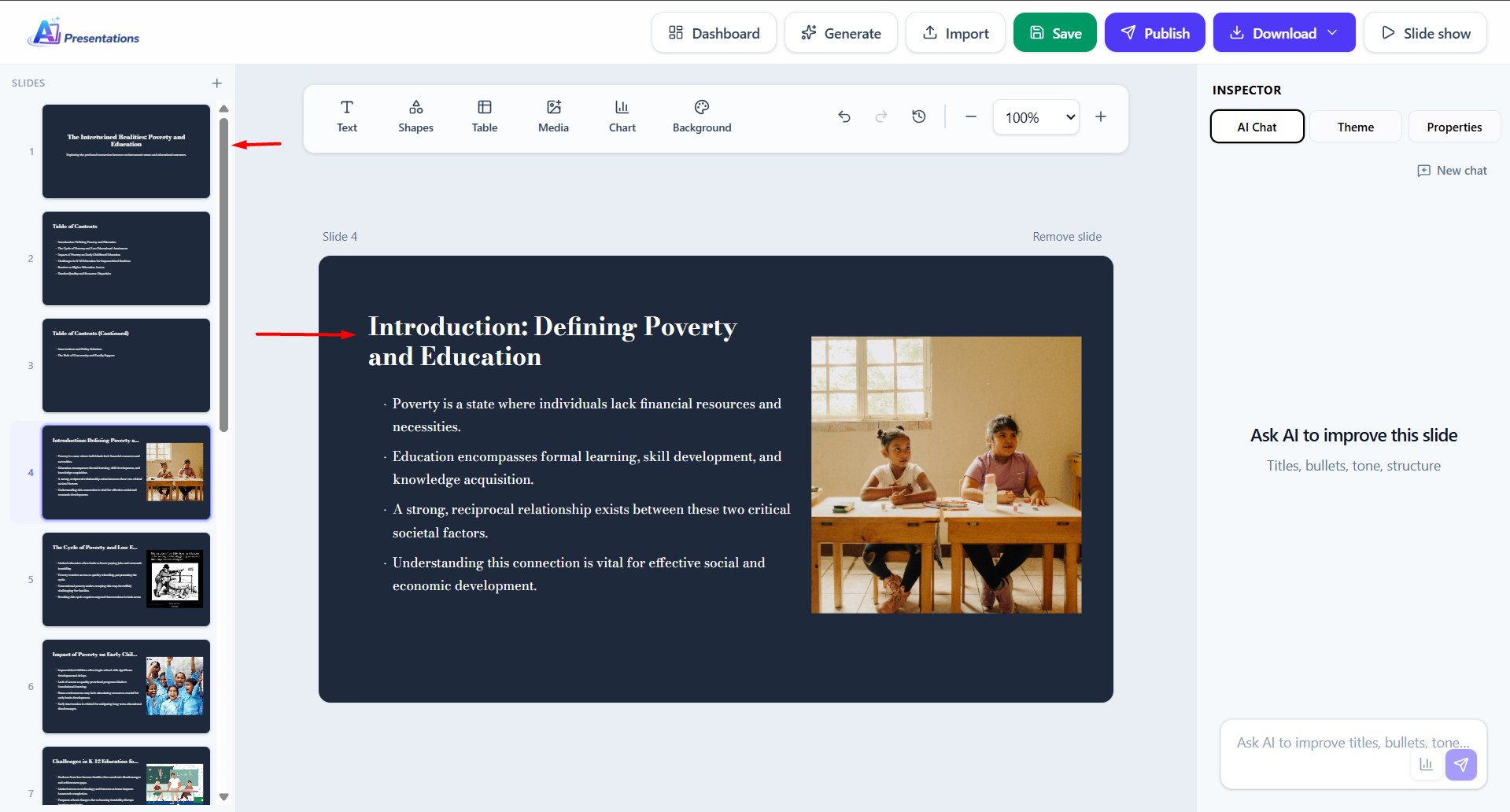
Then the AI creates your slides automatically. Review the content. Make small edits if it is needed. Use the AI Chat feature to make the changes using AI.
Download the presentation in PowerPoint format or PDF format.
You can also present directly.
Common Mistakes When Choosing Presentation Topics
Many people make simple mistakes while selecting the topics.
Some common mistakes may include:
Choosing topics that are very difficult
Picking something that you do not understand
Selecting topics that are boring
When you do not consider the audience
When you do not have clear examples
Tips to Make Your Presentation Better
Once you choose an easy topic, you can improve your presentation. This can be by following these tips that are given below:
keep your slides simple
Keep your slides very clear
Use bullet points that are short
Practice your presentation
Maintain eye contact with your audience
Be confident
These small improvements can make a very big difference.
Conclusion
Choosing easy presentation topics is important for you. This is important for creating a successful presentation. Simple topics can help you prepare quickly. It can help you present confidently.
Instead of spending too much time on creating your slides, you can use AI Presentations. This is to generate complete presentations that are very fast. This saves you time. It makes sure you deliver professional results.
FAQs
Q1. What are easy presentation topics?
Easy presentation topics are simple subjects that are easy to understand and explain.
Q2. How can I create a presentation quickly?
You can use AI tools like AI Presentations to generate slides automatically.
Q3. Are AI presentation tools beginner-friendly?
Yes. Most AI tools are designed for beginners and require no technical skills.
Q4. Can I edit AI-generated presentations?
Yes. You can easily customize the slides after they are generated.
Q5. How do I choose a good presentation topic?
Choose a topic that is simple, familiar, and interesting for your audience.
200+ Technology Presentation Topics (Simple & Trending Ideas for Students & Professionals)
A good topic should be easy to understand. It should be relevant. It should also allow you to explain concepts clearly.
In this guide, you will learn how to choose technology presentation topics. You will also learn how to make presentations quickly using AI Presentation Maker Tool. Let us get started.
Basic Technology Topics Presentation Topics
What is Technology?
Types of Technology
Importance of Technology in Daily Life
Evolution of Technology
Advantages of Technology
Disadvantages of Technology
Technology in Communication
Technology in Education
Technology in Healthcare
Technology in Business
Role of Internet in Modern Life
Digital Transformation
Impact of Technology on Society
Technology and Human Life
Future of Technology
Artificial Intelligence (AI) Topics
What is Artificial Intelligence?
Uses of AI in Daily Life
AI in Healthcare
AI in Education
AI in Business Automation
AI Chatbots Explained
Machine Learning Basics
Deep Learning Overview
AI vs Human Intelligence
Benefits of AI
Risks of AI
AI in Smartphones
AI in Social Media
AI in E-commerce
Future of AI
Cybersecurity Topics
What is Cybersecurity?
Types of Cyber Threats
Phishing Attacks Explained
Malware and Viruses
Ransomware Attacks
Importance of Strong Passwords
Data Protection Basics
Cybersecurity for Beginners
Online Privacy Tips
Safe Internet Browsing
Ethical Hacking
Network Security Basics
Cybersecurity in Businesses
Social Engineering Attacks
Future of Cybersecurity
Internet & Web Topics
How the Internet Works
What is a Website?
Types of Websites
Web Browsers Explained
Search Engines and SEO
What is Web Hosting?
Domain Names Explained
Cloud Computing Basics
What is SaaS?
Web Development Basics
Frontend vs Backend
APIs Explained
Internet of Things (IoT)
5G Technology Explained
Future of the Internet
Software & Tools Topics
What is Software?
Types of Software
Operating Systems Explained
Windows vs macOS
Mobile Apps Overview
Productivity Tools
Project Management Tools
AI Tools Overview
Automation Tools
Open Source Software
Software Development Lifecycle
Version Control Systems
Git Basics
Low-Code Platforms
No-Code Tools
Mobile Technology Topics
Evolution of Smartphones
Android vs iOS
Mobile App Development
Mobile Security
Mobile Payments
Apps for Productivity
Apps for Education
Mobile Gaming Trends
Wearable Technology
Smartwatches Explained
Emerging Technologies
Blockchain Technology
Cryptocurrency Basics
Bitcoin Explained
NFTs Explained
Metaverse Concept
Virtual Reality (VR)
Augmented Reality (AR)
Mixed Reality
Quantum Computing Basics
Edge Computing
Digital Twins
Smart Cities
Robotics Basics
Automation in Industry
Future Tech Trends
Technology in Daily Life
Smart Homes Technology
Online Shopping Technology
Digital Payments
UPI System Explained
Online Banking
Food Delivery Apps
Ride Sharing Apps
Social Media Technology
Streaming Platforms
GPS Technology
Education Technology Topics
E-learning Platforms
Online Classes
Digital Classrooms
Learning Management Systems
AI in Education
Gamification in Learning
Virtual Labs
EdTech Startups
Benefits of Online Learning
Challenges in EdTech
Business & Technology
Digital Marketing Basics
SEO Explained
Social Media Marketing
Email Marketing
Automation in Business
CRM Tools
Data Analytics Basics
Business Intelligence
E-commerce Platforms
Dropshipping Model
Cloud & Data Topics
What is Cloud Computing?
Types of Cloud (IaaS, PaaS, SaaS)
Cloud Storage
Data Centers
Big Data Basics
Data Analytics
Data Visualization
Data Security
Backup and Recovery
Cloud Security
Programming & Development
What is Programming?
Popular Programming Languages
Python Basics
JavaScript Basics
Web Development Overview
App Development Basics
Coding for Beginners
Debugging Basics
Software Testing
Agile Methodology
Social Media & Technology
Impact of Social Media
Social Media Algorithms
Content Creation Tools
Influencer Marketing
Digital Branding
Privacy Issues in Social Media
Fake News and Technology
Social Media Trends
Video Content Platforms
Short Video Technology
Green Technology
What is Green Technology?
Renewable Energy Tech
Solar Power Technology
Wind Energy Technology
Electric Vehicles
Smart Energy Systems
Sustainable Tech Solutions
Environmental Impact of Tech
Recycling Technology
Future of Green Tech
Miscellaneous Easy Topics
QR Code Technology
Barcode Technology
Bluetooth Technology
Wi-Fi Technology
USB Technology
Digital Cameras
Smart TVs
Gaming Technology
Voice Assistants
Facial Recognition
Biometric Systems
Smart Assistants (Alexa, Siri)
Automation in Daily Tasks
Online Collaboration Tools
Remote Work Technology
Video Conferencing Tools
Digital Storage Devices
Password Managers
File Sharing Technology
Online Security Tools
Bonus Simple & Trending Technology Topics
AI in Content Creation
AI in Presentations
ChatGPT Uses
AI vs Traditional Tools
Future of Work with AI
AI in Customer Support
Automation in Daily Life
AI in Marketing
AI Tools for Students
AI for Small Businesses
AI in Design
AI in Video Creation
AI in Writing
AI in Coding
AI Productivity Tools
What Makes a Good Technology Presentation Topic?
Below I have given the key features:
It should be simple
It should be relevant
Easy to explain with examples
It should not be too complex
Create Technology Presentations Easily Using an AI Presentation Maker Tool
Creating a presentation on technology can take time. This is especially when you need to explain concepts clearly.
This is where AI Presentations App can help. Instead of designing slides manually, it’s an AI PPT Maker tool, which generates a complete presentation. All based on your topic.
This is especially useful for technical topics where clarity is important.
Steps to Create a Technology Presentation Using AI Presentations
Follow these simple steps:
First you need to open the AI Presentations website in your browser
Enter your topic (for example: cybersecurity)
Choose number of slides
Click on generate presentation
Let the AI create structured slides
Finally, you can download or present directly
Examples of Technology Presentation Topics
Instead of choosing ideas that are difficult, you need to focus on concepts that are simple.
You can also explore how technology can impact your daily life.
How to Choose the Right Technology Topic?
Selecting the right topic is important. This is especially for a successful presentation.
Choosing the right technology presentation topics is important. This is especially for creating a presentation that is effective. Simple and relevant topics make it easier to explain concepts. This can keep your audience engaged.
Instead of spending too much time designing slides, you can use AI presentation maker tool to create structured presentations quickly. This can help you focus more on your content.
FAQs
Q1. What is meant by technology presentation topics?
Technology presentation topics are subjects related to modern tools, and innovations. These can be from basic concepts to real-life applications of technology.
Q2. How do I choose a good technology topic?
Choose an easy topic for presentation that is simple. Something that is easy to explain. It is always better to focus on clear concepts.
Q3. Can AI Presentation Maker Tool help in creating technology presentations?
Yes. An AI presentation maker tool like AI Presentations can generate structured slides quickly. This makes it easier to present the topics clearly.
Q4. Is the AI Presentation Maker tool beginner-friendly?
Yes. It is designed to be simple and easy to use. Especially for beginners.
Q5. How can I simplify a technology topic that is too complex?
Our AI tool simplifies your topic. It helps you break down complex points. With this tool, you only have to focus on explanation.
Q6. Can AI Presentation Maker Tool improve the technology presentations?
Yes. AI tools like airesentations.app help create well structured slides. It increases the overall quality of your presentation.
200+ Funny Presentation Topics for Students, School & College
What if your presentation actually made people laugh instead of checking their phones?
Most presentations fail not because the speaker lacks knowledge, but because the topic is boring. A funny presentation topic can instantly grab attention, keep your audience engaged, and make your message memorable.
In today’s fast-paced world, people connect more with humor than with plain facts. Whether you are a student, teacher, or professional, choosing the right funny topic can completely change how your presentation is received.
In this guide, you will discover 200+ funny presentation topics, along with practical tips to choose the right one and create engaging slides effortlessly.
Everyday Life Funny Topics
Why mornings should be illegal
The struggle of waking up early
Why weekends feel shorter than weekdays
The art of procrastination
Why alarms are our biggest enemies
The science behind losing socks
Why we open the fridge repeatedly
The pain of slow internet
Why snacks taste better at midnight
The struggle of choosing what to watch
Technology & Social Media Funny Topics
Why autocorrect ruins lives
The reality vs expectations of online shopping
Why we trust Google more than people
The addiction to scrolling
Why WiFi problems cause emotional damage
Memes as a universal language
Why we take 50 selfies for one post
The fear of low battery
Why notifications control our life
Online classes vs real classes
Funny Presentation Topics Related to Student Life
Why students become philosophers during exams
Group projects: one works, others relax
The struggle of last-minute studying
Why teachers love surprise tests
The art of pretending to understand
Why notes disappear before exams
The importance of attendance (or not)
Why school bags feel heavier on Mondays
The reality of online assignments
Why students suddenly become religious before exams
Funny Presentation Topics Related to Food & Eating Habits
Why pizza is the best invention ever
The emotional connection with food
Why diet starts tomorrow
The struggle of sharing food
Why junk food tastes better than healthy food
Midnight cravings explained
Why moms think we are always hungry
The science of eating more when bored
Why we never say no to free food
The love-hate relationship with vegetables
Work & Office Humor
Why meetings could be emails
The art of looking busy
Why Monday feels like a punishment
Office coffee addiction
Why deadlines exist just to stress us
The struggle of replying “noted”
Why work-from-home is not always fun
The importance of lunch breaks
Why everyone waits for Friday
Office gossip culture
Random & Creative Topics Funny Presentation Topics
If animals could talk
Why aliens avoid Earth
A day without internet
What if gravity stopped working
If humans had a pause button
Why superheroes don’t pay taxes
Life as a mobile phone
If dreams were real
A world without homework
If time travel existed
Relationships & Social Life
Why texting is better than calling
The struggle of replying instantly
Why “seen” messages hurt
The awkwardness of small talk
Why friends never return money
The drama of group chats
Why plans always get cancelled
The importance of best friends
Why everyone says “I’m on the way”
Social media vs real friendships
Shopping & Money Related Funny Presentation Topics
Why we buy things we don’t need
The joy of discounts
Why online carts stay full forever
The psychology of sales
Why we regret purchases later
Window shopping as a hobby
Why free delivery matters
The struggle of budgeting
Why saving money is hard
Impulse buying explained
Funny Presentation Topics Related to Lifestyle & Habits
Why we start things and never finish
The struggle of waking up early
Why habits are hard to build
The reality of New Year resolutions
Why we overthink everything
The art of doing nothing
Why we love sleeping
The importance of breaks
Why routines fail
The psychology of laziness
Funny Presentation Topics Related to Entertainment & Pop Culture
Why spoilers ruin everything
The obsession with binge-watching
Why trailers are better than movies
The drama of reality shows
Why we rewatch the same shows
The evolution of memes
Why villains are more interesting
The power of background music
Why we cry during movies
The addiction to series
“What If” Funny Topics for Presentation
What if humans could fly
What if pets ruled the world
What if exams didn’t exist
What if phones disappeared
What if we could read minds
What if money grew on trees
What if sleep was optional
What if everyone told the truth
What if time paused randomly
What if robots replaced humans
More Unique Funny Topics for Presentation
Why we forget names instantly
The science of awkward moments
Why we laugh at the wrong time
Why elevators are always slow
The struggle of choosing outfits
Why we check phones every minute
Why ads know what we think
The pain of buffering videos
Why we talk to ourselves
Why we love free samples
The fear of public speaking
Why naps are powerful
Why we hate Mondays
Why we love holidays
Why we lose motivation quickly
Why we overplan everything
The truth about multitasking
Why we ignore alarms
Why we get distracted easily
Why we love shortcuts
Why we hate waiting
Why we love surprises
Why we forget passwords
Why we talk more at night
Why we avoid responsibilities
Why we love complaining
Why we overeat at parties
Why we love comfort zones
Why we avoid difficult tasks
Why we laugh at bad jokes
Why we enjoy gossip
Why we love trending topics
Why we follow random pages
Why we skip ads
Why we open apps without reason
Why we scroll endlessly
Why we feel productive after cleaning
Why we check time repeatedly
Why we love shortcuts in life
Why we pretend to listen
Why we agree without understanding
Why we love memes more than news
Why we love funny reels
Why we avoid phone calls
Why we delay replies
Why we love weekends
Why we hate alarms
Why we forget important things
Why we remember useless things
Why we enjoy drama
Why we love comfort food
Why we ignore advice
Why we love shortcuts
Why we love sleep more than work
Why we love holidays more than anything
Why we always say “just 5 minutes”
Why we love funny videos
Why we hate slow people
Why we love fast results
Why we avoid exercise
Why we love junk food
Why we hate dieting
Why we love complaining about weather
Why we love staying indoors
Why we hate traffic
Why we love shortcuts in study
Why we love copying homework
Why we love breaks more than classes
Why we love holidays more than school
Why we love vacations
Why we hate returning from trips
Why we love sleeping late
Why we hate waking early
Why we love doing nothing
Why we enjoy wasting time
Why we love entertainment
Why we love jokes
Why we laugh at silly things
Why we enjoy funny content
Why we love comedy shows
Why we love stand-up comedy
Why we enjoy memes daily
Why we love relatable content
Why we love funny presentations
Why humor makes learning easy
Why funny topics are engaging
Why people remember funny things
Why humor connects people
Why jokes improve presentations
Why fun presentations perform better
Why storytelling with humor works
Why laughter improves attention
Why humor builds confidence
Why funny speakers are popular
Why humor reduces stress
What Makes a Presentation Topic Funny?
A funny presentation should be entertaining but not offensive.
Here are the key features of it:
One which is relatable to everyday life
Light and humorous tone
Something that is easy to explain
Engaging for the audience
Create Funny Presentations from Topics Using AI
Creating a funny presentation is not just about the topic. Doing this manually all by yourself can take so much of your time.
This is where tools like AI Presentation App can help. Instead of building slides from scratch, this tool creates a complete presentation. All based on your topic!
Steps to Create a Funny Presentation Using AI
Follow these simple steps:
First you need to open the AI Presentations website in your browser
Enter your topic (for example: the comedy of modern dating)
Choose the number of slides required
Click on generate presentation
Let the AI create structured slides for you
Download or present directly
This was generated in just seconds. You can even edit and customise according to your needs.
Examples of Funny Presentation Topics
Instead of choosing serious ideas, you can pick topics based on:
Everyday situations
Habits that are relatable
Common experiences of students
How to Choose the Right Funny Topic?
Here is a simple approach that you can consider:
Pick something that is relatable
Keep it light
Keep it appropriate
Avoid humor that is offensive to the audience
Choose topics you enjoy talking about
Common Mistakes to Avoid
Some common mistakes can include:
Trying too hard to be funny
Using inappropriate humor
Choosing topics that are confusing to the audience
Ignoring the audience while presenting
Tips to Make Your Presentation Funnier
Here are some simple tips to improve the delivery:
Use simple slides that are clear
Add examples that can be relatable
Use expressions and tone while you speak
Timing is really important
How to Turn a Normal Topic Into a Funny One?
You do not always need a “funny” topic to create a funny presentation. You can even turn a basic topic into something engaging. For this, you should use the right approach.
You can exaggerate common experiences slightly. This is to make them more entertaining.
Another effective method is to include comparisons. You can add unexpected tiny twists in your explanation. This keeps the audience hooked real well.
A simple topic presented in a creative way can be even more effective.
Funny presentation topics can make your presentation more engaging. It can last an impact on the audience. Choosing the right topic helps you connect with your audience. In this way, you can deliver your message really effectively.
Instead of spending too much time designing slides, you can use AI Presentation Maker Tool to create structured presentations quickly.
FAQs
Q1. What is meant by funny presentation topics?
Funny presentation topics are kept very light. They are entertaining ideas. Ones that make your audience laugh. They are usually based on situations that are relatable.
Q2. How can I choose a funny topic?
Choose something that is relatable. An easy presentation topic will do the best. Relating to situations that take place on an everyday basis can work best for humour.
Q3. Can AI tools help in creating presentations that are funny?
Yes. this tool can generate structured slides quickly. It allows you to focus on adding humor and examples.
Q4. Is this tool beginner-friendly?
Yes. They are simple to use. They do not require design or technical skills. You just have to enter your topic.
Q5. Can this tool help me in improving funny presentations?
Yes. This tool can help you create clean and well-structured slides. This makes it easier to deliver your humor. You can keep the presentation organized this way.
Coming up with the right presentation topic for kids can feel harder than creating the presentation itself. You want something that is simple, fun, and easy to explain, but also interesting enough to keep everyone engaged.
The good news? The best kids presentation topics are all around us. From animals and cartoons to school life, science, and everyday habits, children learn better when the topic feels familiar and exciting.
In this guide, you will discover 150+ presentation topics for kids that are perfect for school projects and class activities. Whether you need simple presentation ideas for students, creative topics, or something educational, you will find plenty of options here.
Plus, you will also learn how to quickly turn any topic into a beautiful, ready-to-use presentation using AI tools, saving time while keeping your slides engaging and kid-friendly.
What Are Kid Friendly Presentation Topics?
Kid friendly presentation topics are really simple. These topics should be fun.
Let us look into the key features:
It is easy to understand
It is interactive
Something that is relatable to daily life
Explanations that are short and clear
Visually engaging
Animals Presentation Topics for Kids (Wild, Pet & Ocean Animals)
My Favorite Animal Presentation
Wild Animals vs Pet Animals for Kids
Life of a Lion (Animal Presentation)
Animals That Live in Water (Ocean Animals for Kids)
Birds and How They Fly (Bird Presentation Topic)
Endangered Animals Awareness for Kids
Animal Homes and Habitats
Jungle Safari Experience (Kids Topic)
Amazing Insects for Kids Presentation
Butterfly Life Cycle (Science Topic for Kids)
Ocean Animals Presentation Ideas
Farm Animals for Kids
Animal Sounds and Communication
Fastest Animals in the World
Why Tigers Are Important (Wildlife Topic)
Environment Presentation Topics for Kids (Earth, Nature & Recycling)
Save Earth Presentation for Kids
Importance of Trees and Nature
Water Conservation Awareness for Kids
Recycling and Waste Management
Clean vs Dirty Environment (Simple Topic)
Rainy Season Presentation
Types of Weather for Kids
Natural Disasters (Easy Explanation for Kids)
Why We Should Not Waste Water
Air Pollution Awareness for Kids
Green Planet and Eco-Friendly Living
Reduce, Reuse, Recycle Concept
Importance of Plants in Life
Seasons of the Year Presentation
Earth Day Awareness Topic
Health Presentation Topics for Kids (Healthy Food & Daily Routine)
Healthy Food vs Junk Food Presentation
Importance of Exercise for Kids
Morning Routine for Students
Personal Hygiene and Cleanliness
Why Sleep Is Important for Kids
Benefits of Drinking Water
My Daily Routine Presentation
Good Habits for Kids
Importance of Washing Hands
Visiting a Doctor (Health Topic)
Balanced Diet for Kids
Benefits of Outdoor Games
Why Breakfast Is Important
Healthy Lifestyle for Children
Yoga for Kids
School Presentation Topics for Kids (Learning, Education & Friends)
My School Presentation
My Favorite Teacher Speech
My Best Friend Topic
Importance of Education for Kids
Fun Activities at School
School Rules and Discipline
My Classroom Experience
My Favorite Subject
Why Homework Is Important
Learning Is Fun for Kids
My School Library
My First Day at School
Online Learning for Kids
Importance of Reading Books
My Favorite Book Presentation
Family Presentation Topics for Kids (Relationships & Values)
My Family Presentation
My Parents and Their Role
My Grandparents Story
Helping Family Members at Home
Family Values for Kids
My Brother or Sister
Respecting Elders Topic
Family Time Importance
My Favorite Family Memory
Why Family Is Important
Creative Presentation Topics for Kids (Fun, Hobbies & Imagination)
My Favorite Cartoon Character
My Favorite Superhero Topic
My Dream Job Presentation
If I Were a King or Queen
My Favorite Game Topic
My Favorite Toy
My Hobby Presentation
My Favorite Holiday
What I Want to Be When I Grow Up
My Favorite Movie
My Favorite Color
My Favorite Festival
My Favorite Place
My Dream Vacation
My Favorite Story
Science & Technology Presentation Topics for Kids (Simple Concepts)
What Is a Computer? (Basic Tech Topic)
Uses of Mobile Phones for Kids
Internet Basics for Children
Robots and AI for Kids
Simple Machines Explanation
How a Fan Works
What Is Electricity?
Solar Energy for Kids
Space and Universe for Kids
Planets of the Solar System
Why the Sky Is Blue (Simple Science)
Water Cycle Explanation
Magnets and Their Uses
Light and Shadows
Easy Science Experiments
Festival Presentation Topics for Kids (Culture & Celebrations)
Diwali Festival Presentation
Holi Festival for Kids
Christmas Celebration
Eid Festival Explanation
Independence Day Speech for Kids
Republic Day Presentation
My Favorite Festival Topic
How We Celebrate Festivals
Cultural Diversity for Kids
Traditional Clothes Around the World
Moral Values Presentation Topics for Kids (Good Habits & Life Lessons)
Honesty Is the Best Policy
Importance of Kindness
Sharing Is Caring
Helping Others in Daily Life
Being Polite and Respectful
Respecting Everyone
Importance of Truth
Teamwork and Cooperation
Never Give Up Motivation
Good Manners for Kids
Imaginative Presentation Topics for Kids (Stories & Creativity)
If I Had Superpowers
A Day Without School
My Magic Friend Story
Talking Animals Story
My Dream World
Life on Another Planet
If I Could Fly
My Adventure Story
A Talking Tree Story
My Favorite Fairy Tale
Sports Presentation Topics for Kids (Games & Activities)
My Favorite Sport
Cricket for Kids
Football Basics
Importance of Playing Sports
Indoor vs Outdoor Games
My Favorite Player
Benefits of Sports
Team Games for Kids
Fun Games to Play
Sports Day at School
Food Presentation Topics for Kids (Healthy Eating & Fun Foods)
My Favorite Food
Fruits and Vegetables Benefits
Junk Food Effects on Health
Healthy Snacks for Kids
My Lunch Box Ideas
Ice Cream Fun Topic
Cooking with Family
Favorite Dessert
Street Food for Kids
Importance of Eating Healthy
Create Kid Friendly Presentations Easily Using AI
Creating a presentation for kids requires simple language and visuals that are engaging. Doing this manually can take a lot of time.
This is where tools like AI Presentations App can help. Instead of designing slides from scratch, this tool automatically creates presentations for you. Presentations that are structured, and simple.
Steps to Create a Kid Friendly Presentation Using AI
Follow these easy steps:
First, you have to open the AI Presentations website in your browser
Enter your topic (for example: Healthy Eating for Kids)
Choose the number slides
Click on generate presentation
Let the AI create slides with clear content and visuals
Review and simplify the content if it is needed
Download or present directly
It gets generated just under seconds. You can even edit accordingly.
Other Tools That You Can Use
There are also other tools available for creating presentations. Canva is popular for designing colorful slides. Google Slides and Microsoft PowerPoint are widely used for basic presentations.
However, these tools often require manual effort. This is especially when designing slides for kids.
How to Choose the Right Topic for Kids?
Here is a simple approach:
You need to pick something familiar to children
Keep your topic simple and clear
Choose something fun
Choose something that is going to be interactive
Avoid subjects that feel too complex
Make it easy to explain using examples
Common Mistakes to Avoid
Some common mistakes include:
Choosing complicated topics
Using language that is difficult
Adding too much information
Filling the slides with texts
Tips to Make Presentations More Engaging for Kids
Here are some simple tips that you can use:
Use simple words
Use short sentences
Add images
Keep slides clean (do not clutter your slides)
Include examples o
Confidence is the key
How to Keep Kids Interested During a Presentation?
Children have shorter attention spans. So it is really important to keep slides simple. Make sure to add colorful images that are minimalist.
Using tools like AI Presentations App can help you automatically create slides that are balanced. This improves engagement.
Conclusion
Choosing kid friendly presentation topics is important. This is especially for creating an engaging presentation. Simple and fun topics help children understand and stay interested.
Instead of spending too much time designing slides, you can use AI to create complete presentations. This makes sure your slides are good.
FAQs
Q1. What are kid friendly presentation topics?
Kid friendly presentation topics are going to be really simple. They are easy presentation topic ideas.
Q2. How do I choose a topic for kids?
You need to choose a topic that is familiar. Something that is interesting to the children. AI tool makes this entire process easier for you.
Q3. Can AI Tool help you in creating presentations for kids?
Yes. Our tool can quickly generate great slides for you. This makes it easier to create presentations.
Q4. Is AI Tool easy for everyone to use?
Yes. They are beginner-friendly. They do not require much skills. You just enter your topic. The tool creates the slides. All in just seconds!
Q5. How can I make my presentation more engaging for kids?
Use simple language. Do not forget to include examples. Short stories also can help you in making it more engaging.
Q6. Can AI Tool improve the presentations for kids?
Yes. This AI tool helps you create clear and well-structured slides. This improves the understanding. This keeps the audience engaged from start to finish.